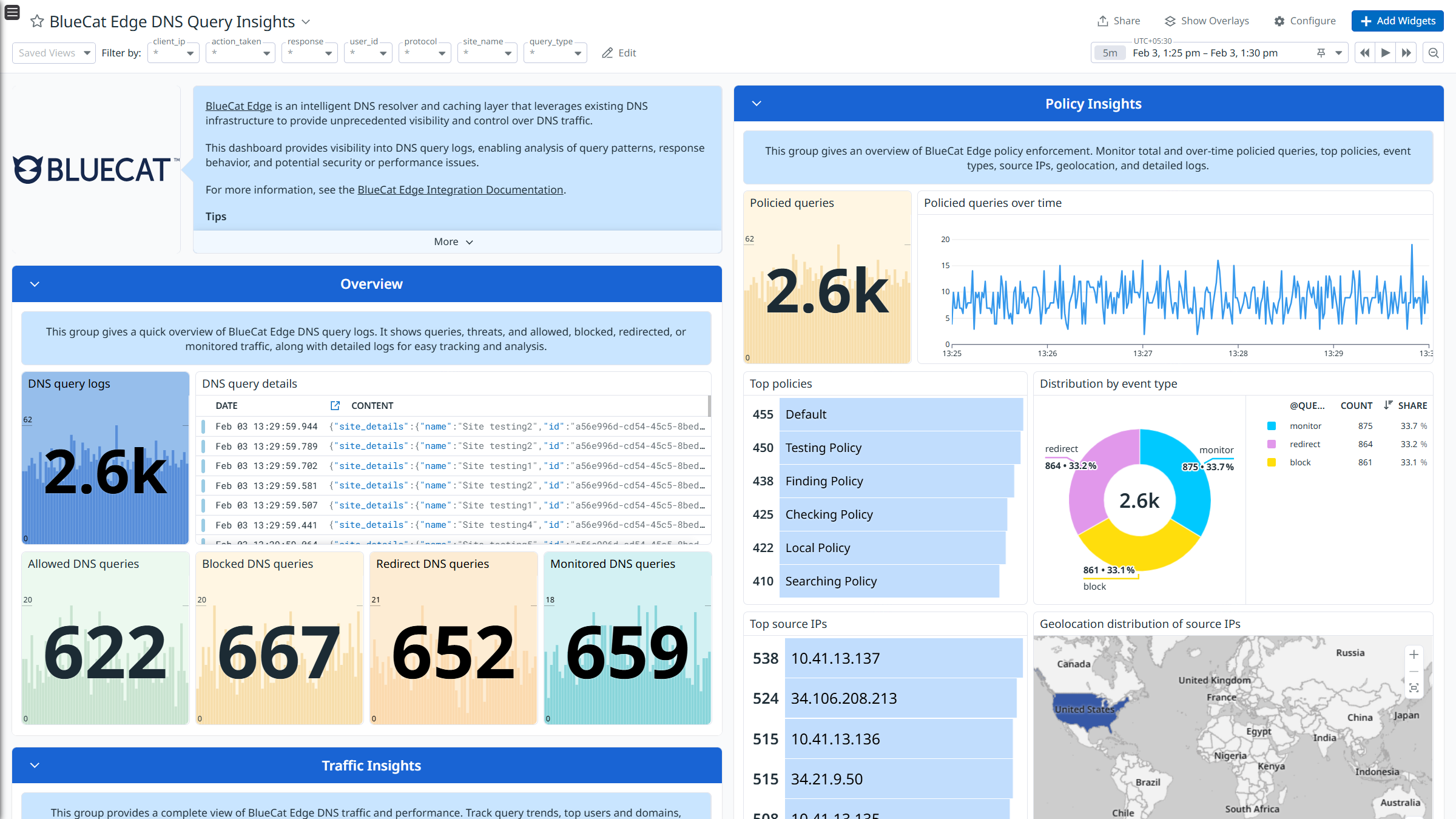
BlueCat Edge DNS Query Insights
BlueCat Edge DNS Query Insights
BlueCat Edge DNS Query Insights
BlueCat Edge DNS Query Insights
このページは日本語には対応しておりません。随時翻訳に取り組んでいます。
翻訳に関してご質問やご意見ございましたら、
お気軽にご連絡ください。
Overview
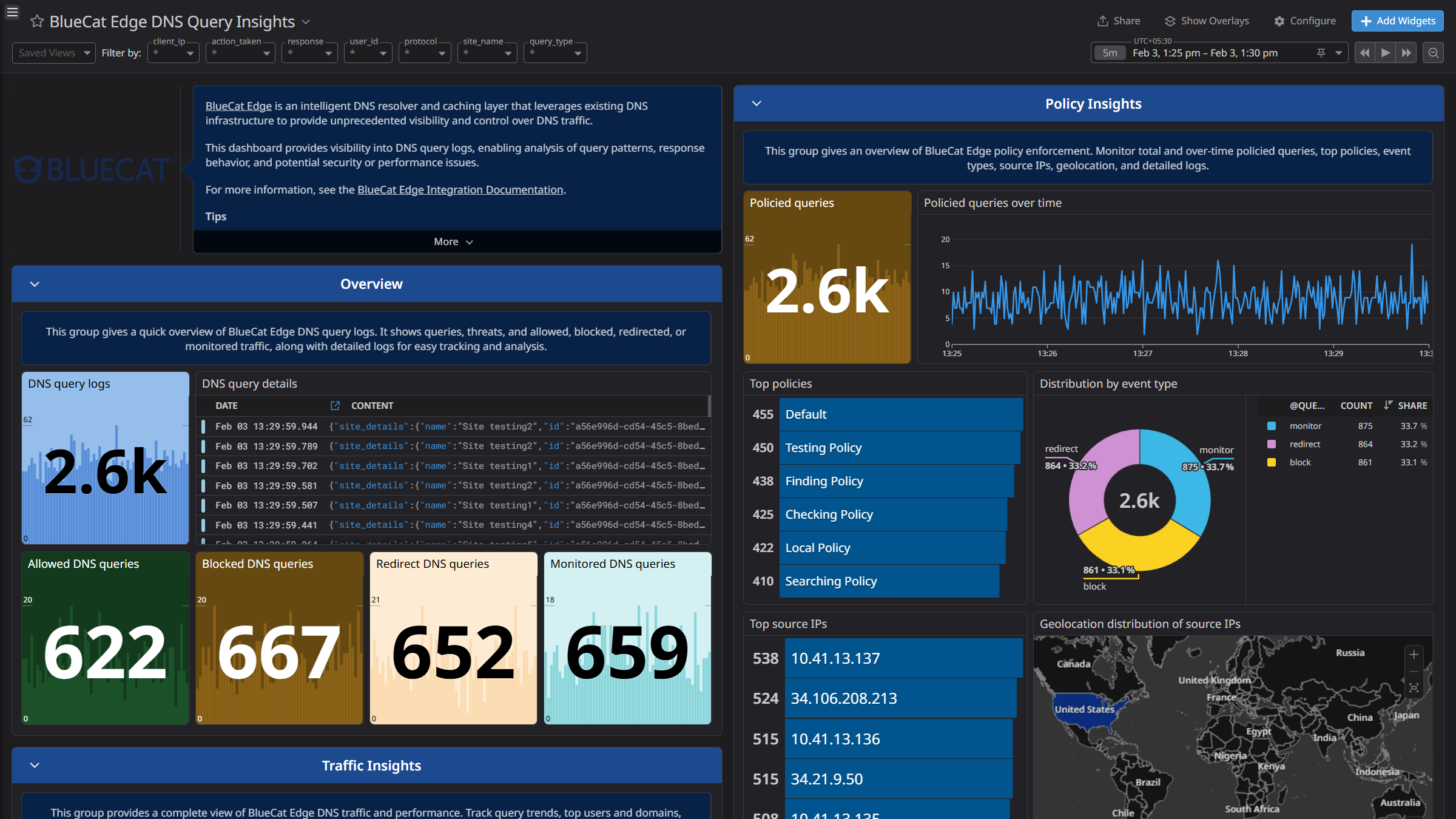
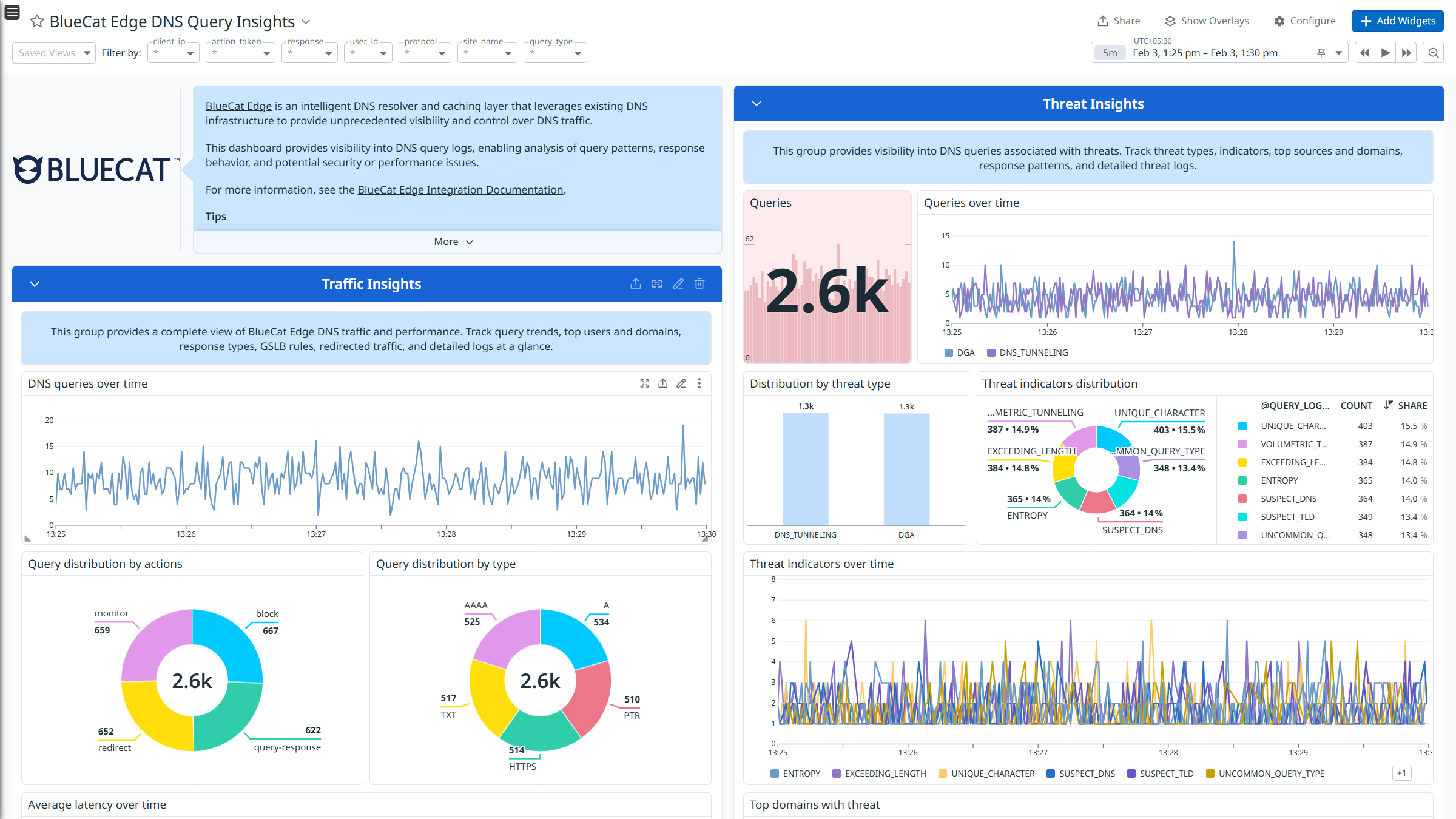
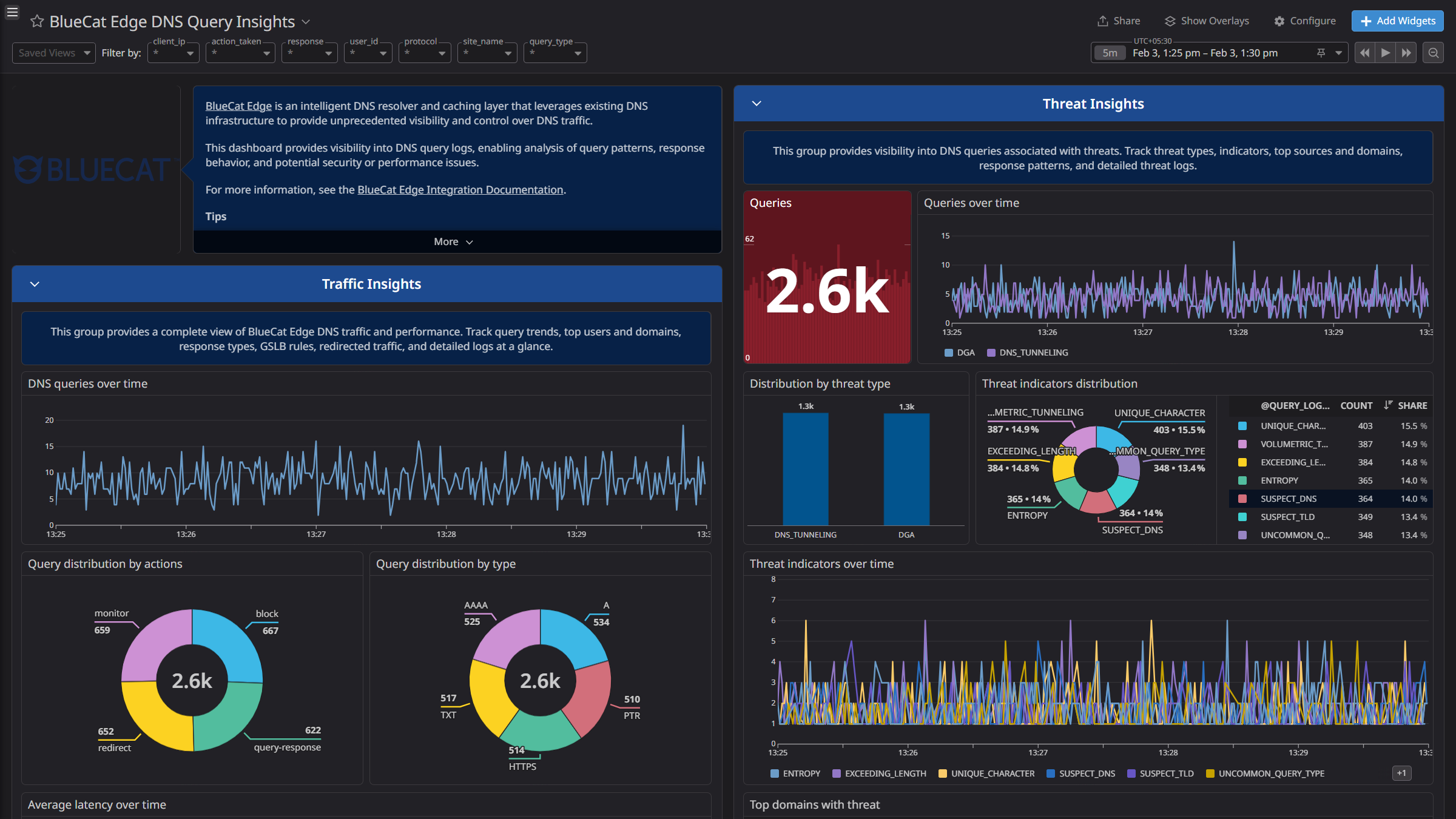
BlueCat Edge is an intelligent DNS resolver and caching layer that leverages existing DNS infrastructure to provide unprecedented visibility and control over DNS traffic.
This integration ingests the DNS query logs.
- DNS Query Logs: Logs that capture DNS request and response activity, including queried domains and source clients.
Integrate BlueCat Edge with Datadog to analyze DNS query logs using pre-built dashboards. Datadog parses and enriches these logs using built-in log pipelines, supporting search and analysis. You can also use this data with Cloud SIEM detection rules for security monitoring.
Setup
Generate API credentials in BlueCat Edge
- Log in to BlueCat Edge using a user with the Analyst role or higher.
- Click the Account > Profile tab.
- In the Access key sets section, click New. The Client ID and Secret key are displayed.
- Identify your BlueCat Edge Domain URL using the URL of your BlueCat Edge cloud instance.
Connect your BlueCat Edge account to Datadog
- Add your
BlueCat Edge Domain, Client ID, and Secret key.| Parameter | Description |
|---|
| BlueCat Edge Domain | The BlueCat Edge domain of the instance. |
| Client ID | The Client ID for BlueCat Edge. |
| Secret key | The secret key for BlueCat Edge. |
| Collect NOERROR DNS Query Logs | Controls the collection of NOERROR DNS query logs. Enabled by default. |
- Click Save.
Data Collected
Logs
The BlueCat Edge integration collects DNS query logs and forwards them to Datadog.
Metrics
The BlueCat Edge integration does not include any metrics.
Events
The BlueCat Edge integration does not include any events.
Troubleshooting
Need help? Contact Datadog support.