Supported OS
![Linux]()
![Windows]()
Sonatype Nexus Instance Health
概要
Sonatype Nexus は、ソフトウェア開発ライフサイクル全体を通して、ソフトウェア コンポーネントと依存関係を管理するための代表的なリポジトリ管理ソリューションです。幅広い開発言語やフォーマットに対応しており、DevOps や継続的インテグレーションと継続的デリバリー (CI/CD) パイプラインの中核として活用できます。
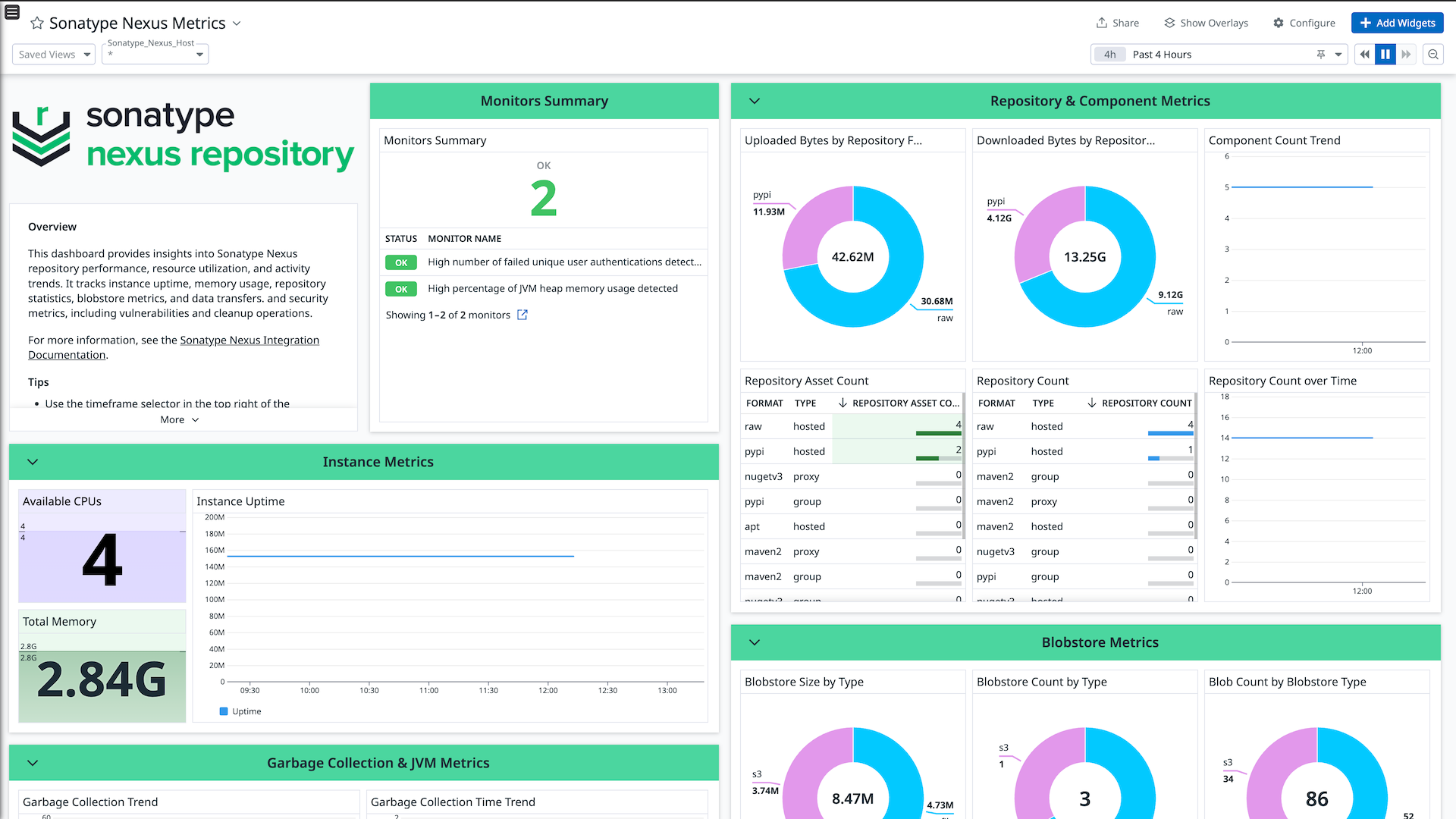
Sonatype Nexus インテグレーションは、Sonatype Nexus から分析指標とインスタンス ヘルス ステータスのメトリクスを収集し、包括的に分析できるよう Datadog に送信します。
セットアップ
インストール
Sonatype Nexus チェックは Datadog Agent パッケージ に含まれています。追加のインストールは不要です。
Sonatype Nexus から API 認証情報を取得する
Administrator アカウント、または nx-metrics-all 権限を持つユーザーの Username と Password
リポジトリ インスタンスの Server URL (例: https://123.123.123.123:8081)
Sonatype Nexus アカウントを Datadog Agent に接続する
Copy the conf.yaml.example file.
cp /etc/datadog-agent/conf.d/sonatype_nexus.d/conf.yaml.example /etc/datadog-agent/conf.d/sonatype_nexus.d/conf.yaml
/etc/datadog-agent/conf.d/sonatype_nexus.d/conf.yaml ファイルを編集し、以下の設定を追加します。
instances:

    ## @param username - string - required
    ## Username of Sonatype Nexus instance
    #
  - username: <SONATYPE_NEXUS_USERNAME>

    ## @param password - string - required
    ## Password of Sonatype Nexus instance
    #
    password: <SONATYPE_NEXUS_PASSWORD>

    ## @param server_url - string - required
    ## Sonatype Nexus server url
    #
    server_url: <SONATYPE_NEXUS_SERVER_URL>

    ## @param min_collection_interval - number - required
    ## This changes the collection interval of the check. For more information, see:
    ## https://docs.datadoghq.com/developers/write_agent_check/#collection-interval
    #
    min_collection_interval: 600
- Agent を再起動します。
検証
収集データ
ログ
Sonatype Nexus インテグレーションにはログの収集は含まれません。
メトリクス
Sonatype Nexus インテグレーションは、分析指標とインスタンス ヘルス ステータスのメトリクスを収集して Datadog に転送します。
イベント
Sonatype Nexus インテグレーションは sonatype_nexus.authentication_validation イベントを Datadog に転送します。
サービスチェック
このインテグレーションが提供するサービス チェックの一覧は、 service_checks.json を参照してください。
サポート
追加のサポートが必要な場合は、 Datadog サポート へお問い合わせください。