Jira Service Management Ops
Create alerts in JSM Ops.
このページは日本語には対応しておりません。随時翻訳に取り組んでいます。
翻訳に関してご質問やご意見ございましたら、
お気軽にご連絡ください。
Overview
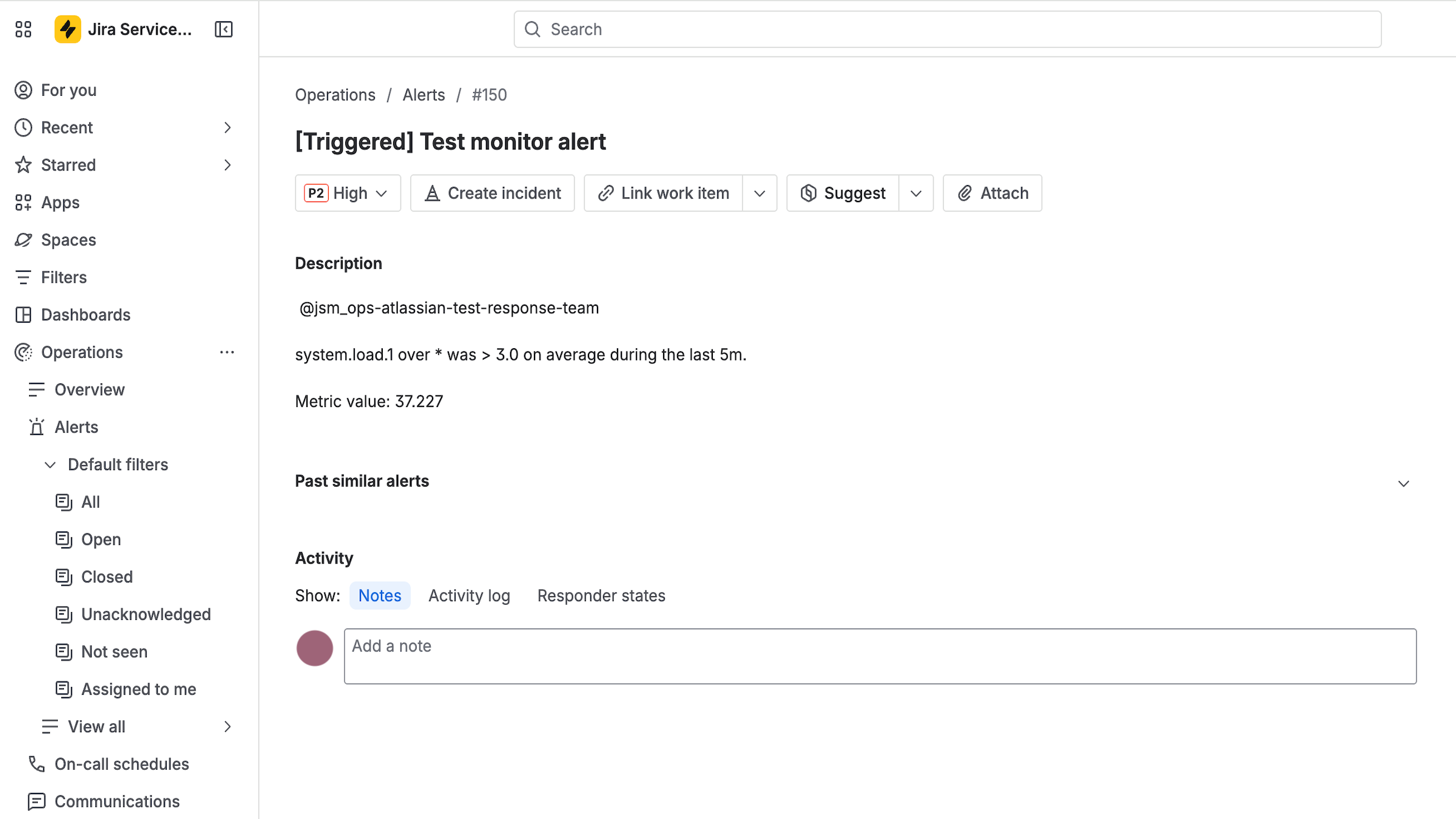
Connect Jira Service Management Operations (JSM Ops) to Datadog to create and close on-call alerts in Jira Service Management Ops. Automatically import your on-call response teams and begin notifying them through monitors by using @jsm_ops in monitor descriptions.
Setup
- Click the “Add Account” button to connect your JSM account.
- Complete the OAuth 2.0 flow.
- Your on-call Response Teams will then be automatically populated, and you can begin using
@jsm_ops-<response_team> handles in your monitors.
Migrating from Opsgenie
If you are migrating to JSM Ops from Opsgenie, begin by following the Setup instructions above for your JSM Ops account. After your account has been validated and your JSM Ops handles have been auto-populated, you can migrate any existing @opsgenie monitor handles to @jsm_ops by following this documentation.
Uninstallation
To uninstall the integration, delete all JSM accounts.
Support
Need help? Contact Datadog Support.