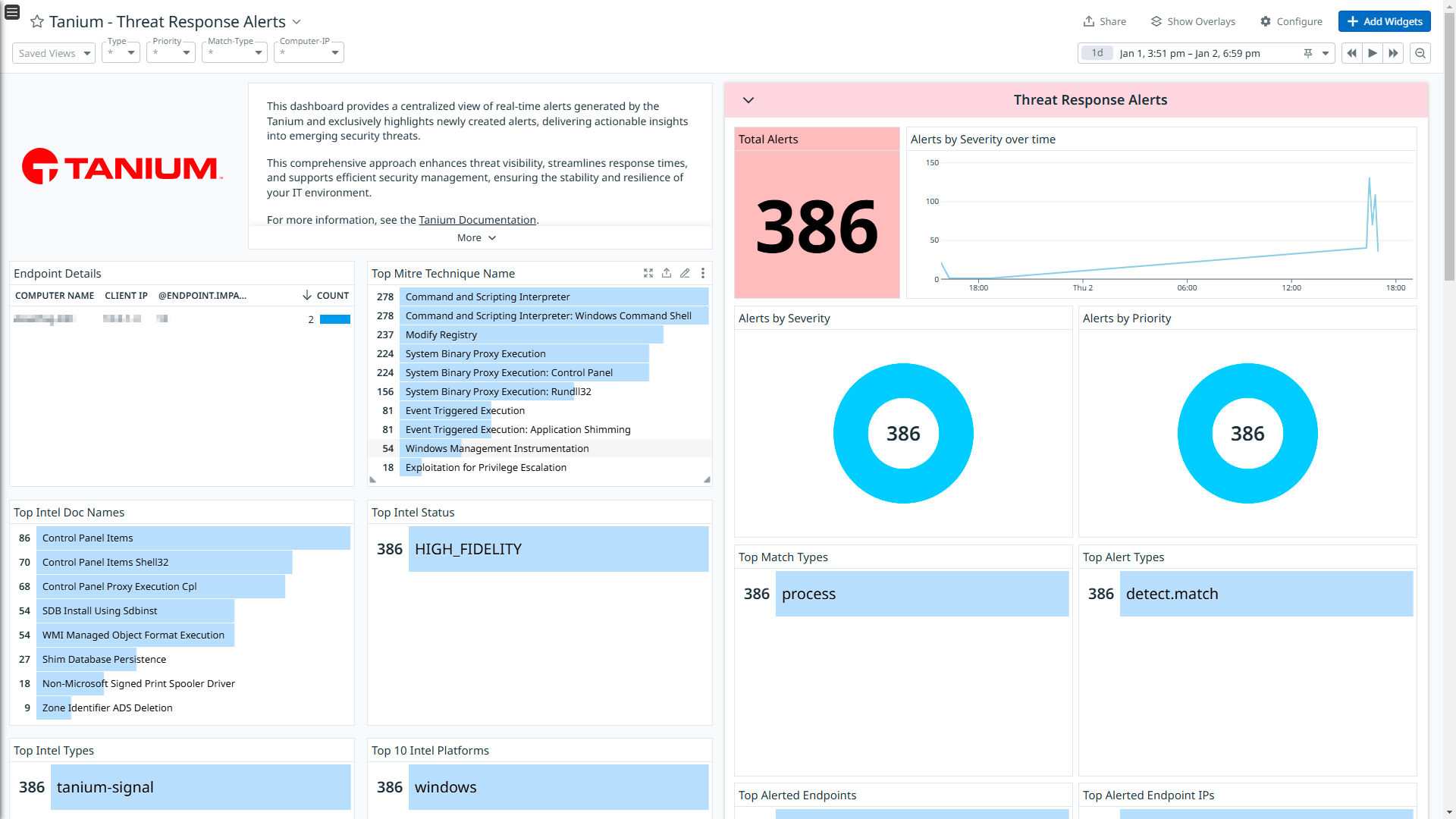
Tanium - Threat Response Alerts
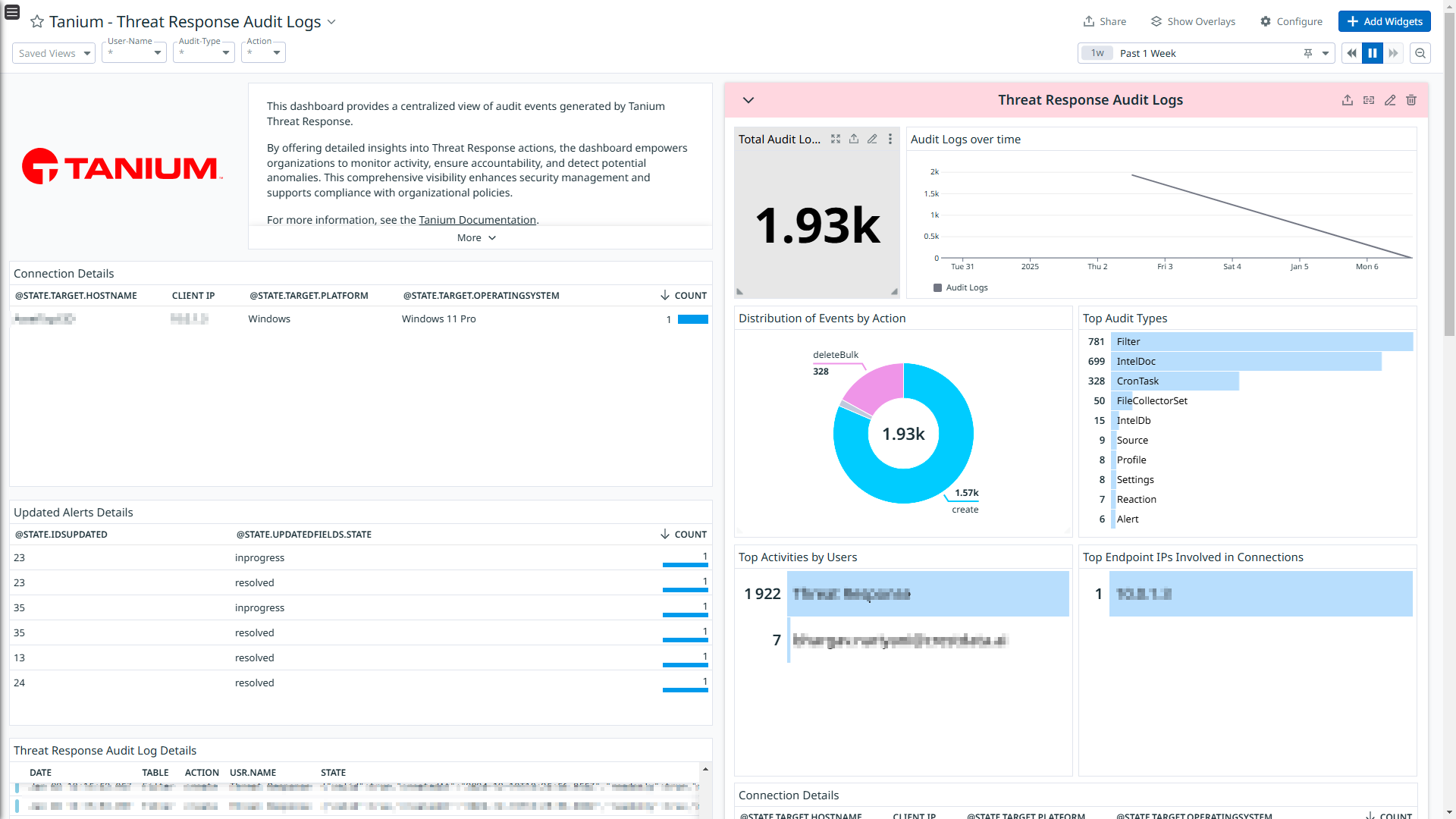
Tanium - Threat Response Audit Logs
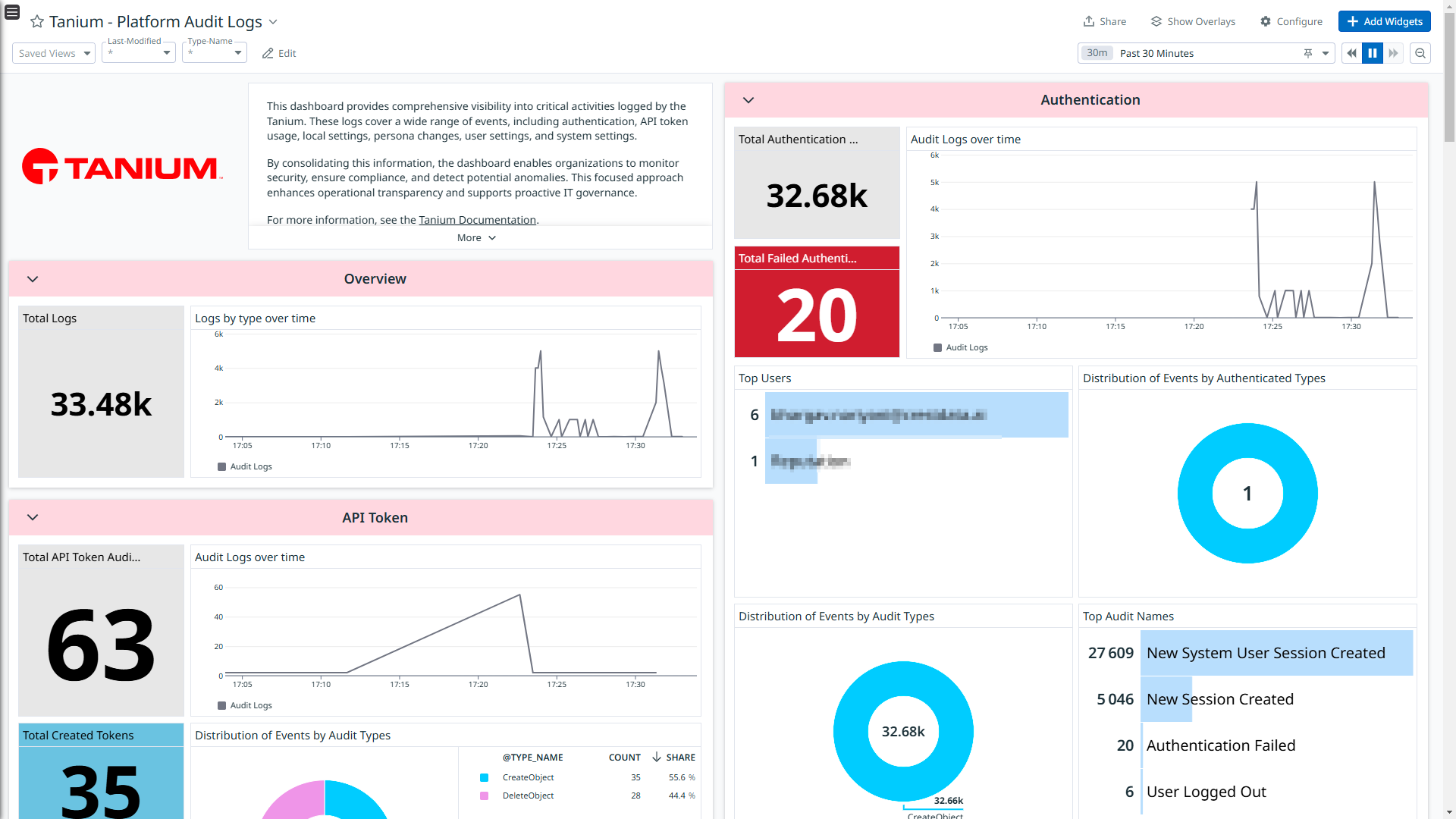
Tanium - Platform Audit Logs
Overview
Tanium is an enterprise platform designed for endpoint management. It provides security and IT operations teams with rapid visibility and control to secure and manage all network endpoints.
This integration ingests the following logs:
- Threat Response Alerts: This endpoint contains information about the core incident response lifecycle with integrated capabilities for alerting, analysis, containment, and remediation.
- Threat Response Audit: This endpoint contains information about the centralized view of audit events generated by the Tanium Threat Response.
- Platform Audit: This endpoint contains information about the authentication, API token usage, local settings, persona changes, user settings, and system settings information.
This integration collects logs from the sources listed above and transmits them to Datadog for analysis in Log Explorer and Cloud SIEM.
Setup
Prerequisites
- The
Threat Response module must be included in your Tanium license to collect Threat Response Alerts and Threat Response Audit logs.
Retrieve Datadog CIDR range
- Use an API platform (such as Postman) or
curl to make a GET request to the Datadog API endpoint. - In the JSON response, locate the
webhooks section. For example: "webhooks": {
"prefixes_ipv4": [
"0.0.0.0/32",
...
],
"prefixes_ipv6": []
}
- From the
prefixes_ipv4 list, copy each CIDR entry.
Generate API Credentials in Tanium
Sign in to the Tanium Console as a user with the following permissions:
Special: Token UseExecute: Threat Response APIRead: Audit, Threat Response Alerts, Threat Response Audit, and Threat Response Visibility BypassUnrestricted Management Rights: Computer Groups
From the main menu, navigate to Administration > Permissions > API Tokens.
Click New API Token and configure the token settings:
- Expiration: Set the expiration interval to
365 days. Ensure you rotate the token before it expires. Refer to the “Rotate API Token in Tanium” section for instructions. - Trusted IP addresses: Enter each CIDR entry retrieved in the “Retrieve Datadog CIDR Range” section, separated by commas or new lines.
Click on Create.
Click on Yes and copy the token for later use.
This integration supports both cloud-based and self-hosted Tanium instances:
- Cloud-based: Use the host format
\<customer\>.cloud.tanium.com. Replace \<customer\> with your organization’s subdomain. - Self-hosted: Use the domain of your self-hosted Tanium instance. The instance must be publicly accessible over HTTPS. Examples:
tk-example.titankube.com, 123.123.123.123:8443.
Note: Ensure that you do not include -api in the Host value when configuring the integration, as it is automatically handled internally.
Rotate API token in Tanium
- Sign in to the Tanium Console as a user with the following permission:
- From the main menu, navigate to Administration > Permissions > API Tokens.
- Select the token and click Rotate Token.
- Enter the old token value and click Rotate.
- Click Yes and copy the new token for later use.
Connect your Tanium Account to Datadog
Add your Host and API Token.
| Parameters | Description |
|---|
| Host | The Host of your Tanium platform. |
| API Token | The API Token of your Tanium platform. |
Click the Save button to save your settings.
Data Collected
Logs
The Tanium integration collects and forwards threat-response alerts, threat-response audit logs, and platform audit logs to Datadog.
Metrics
The Tanium integration does not include any metrics.
Events
The Tanium integration does not include any events.
Support
For any further assistance, contact Datadog support.