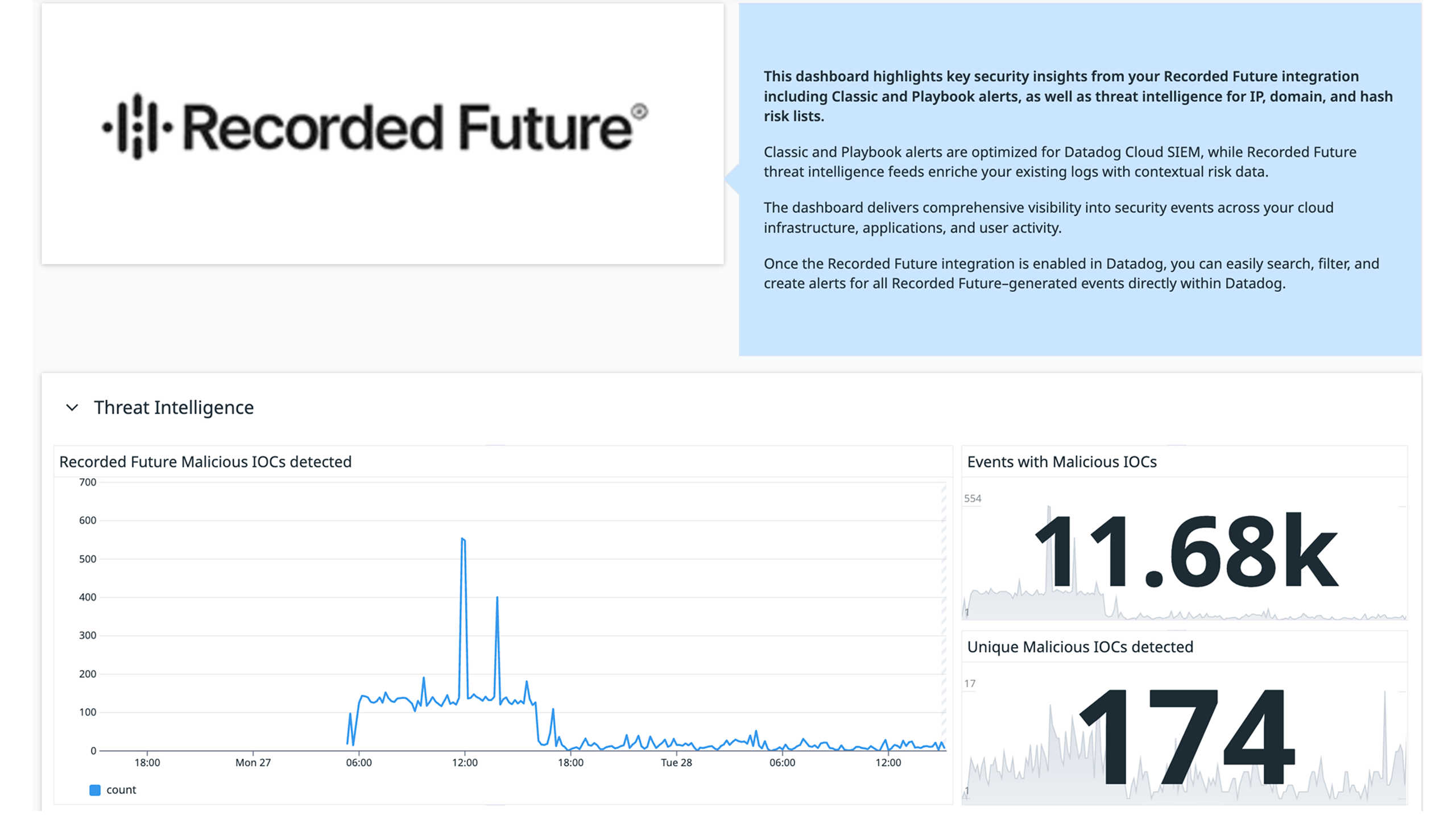
Recorded Future Dashboard Intro
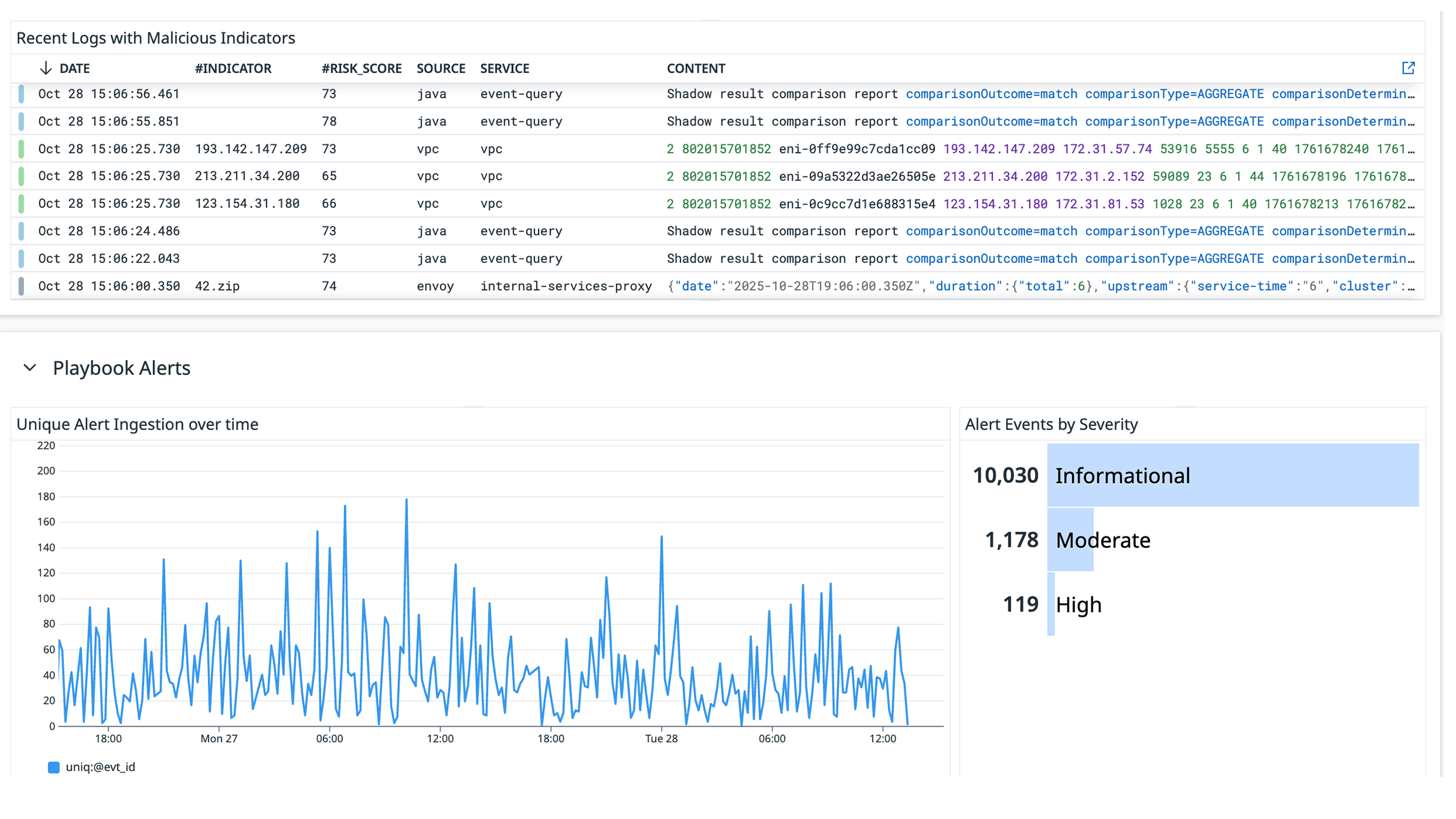
Recorded Future Playbook Alert Widgets
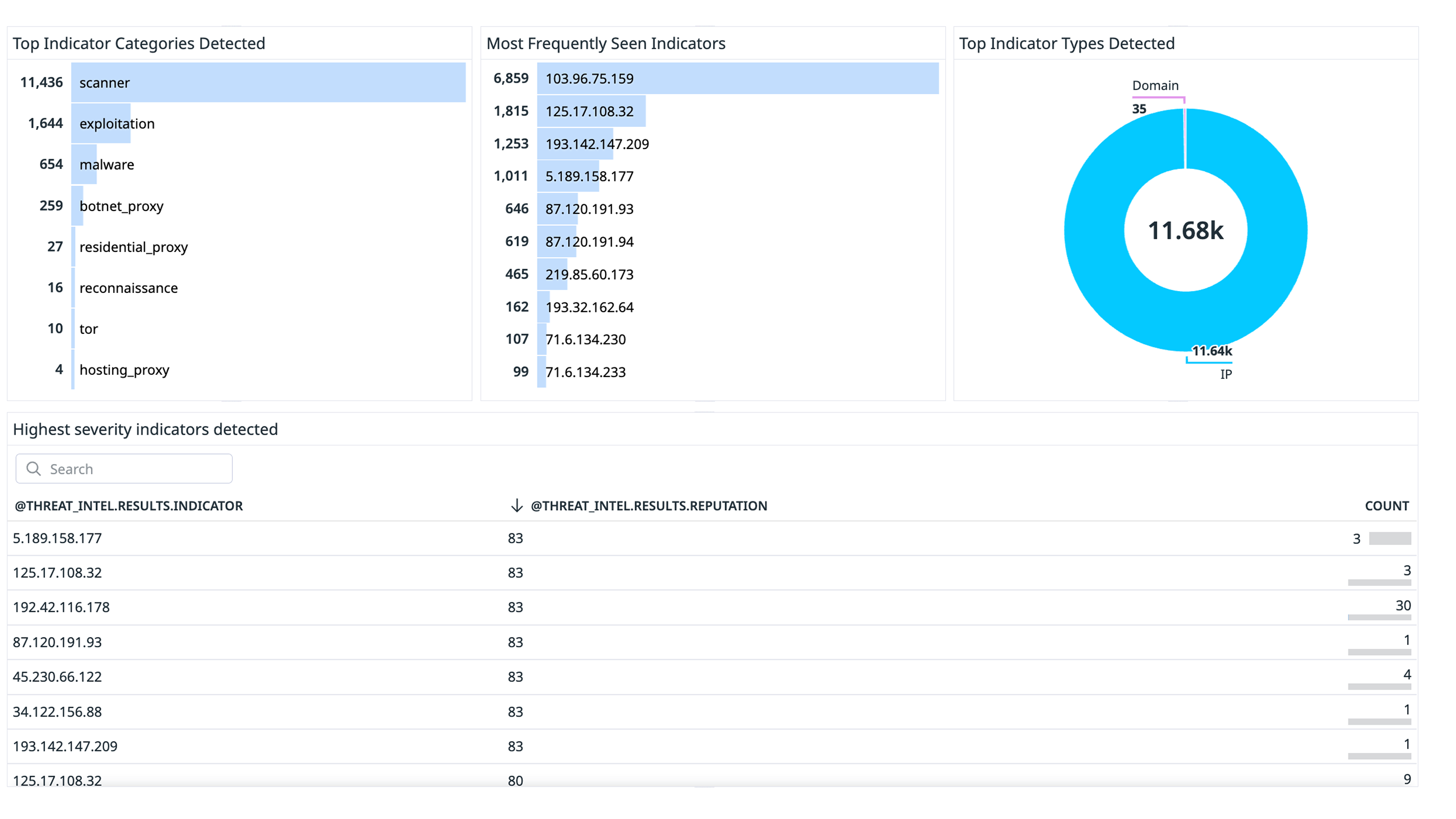
Recorded Future Threat Intel Widgets
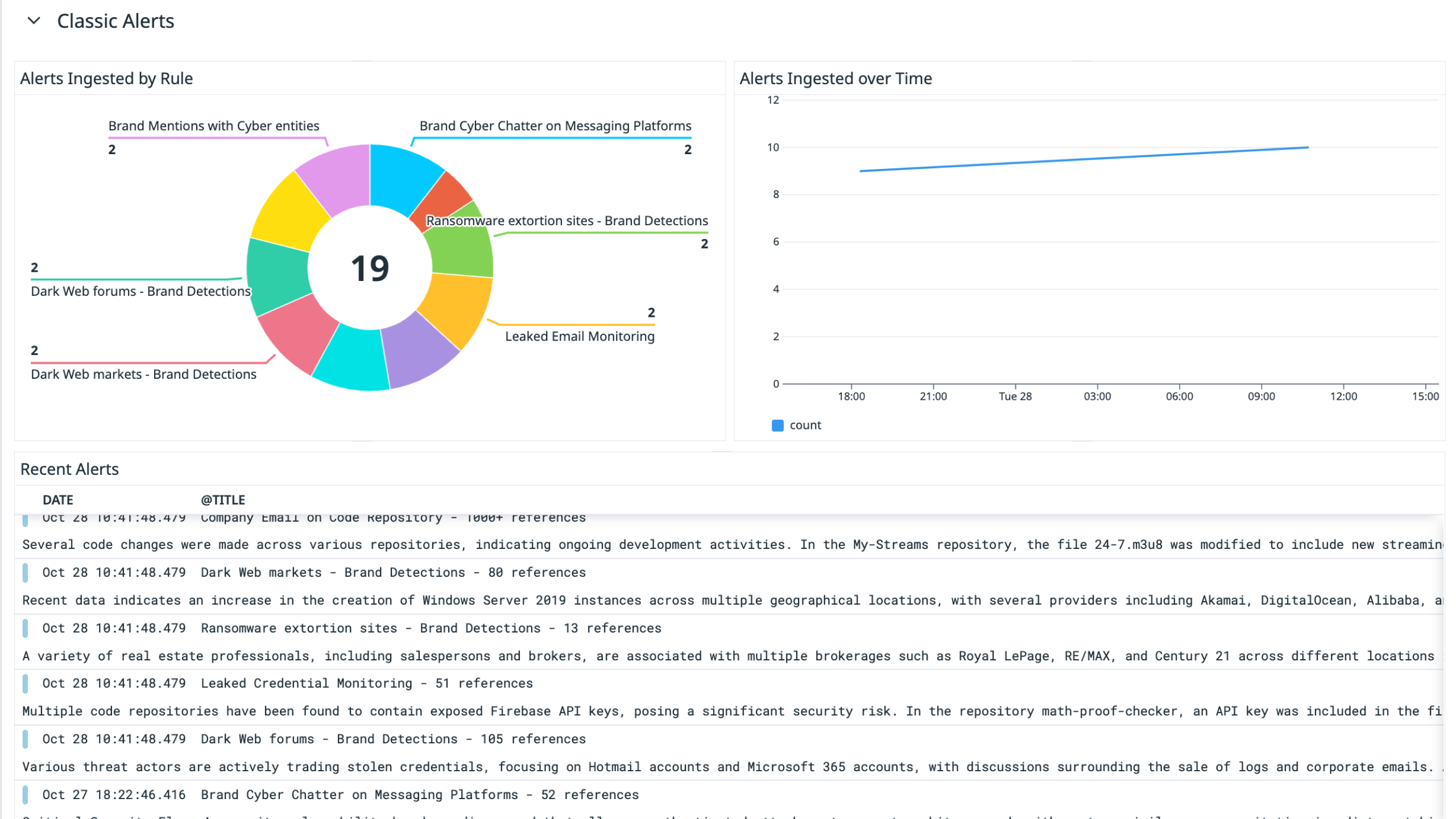
Recorded Future Classic Alert Widgets
Overview
The Recorded Future integration for Datadog enriches your security logs with threat intelligence data from Recorded Future, providing actionable context for triage. This integration connects Datadog with Recorded Future’s threat intelligence platform to automatically pull and analyze key indicators including IPs, hashes, and domains from Recorded Future Risk Lists.
Datadog ingests the top 100K threats from each category, enabling deeper visibility into potential risks within your environment. You can correlate this data with logs, metrics, and Cloud SIEM alerts to identify and respond to malicious activity faster.
This integration includes:
- Threat Intelligence Feeds: Import IP, hash, and domain risk lists directly into Datadog for continuous enrichment.
- Log Integrations: Capture and analyze Recorded Future Classic and Playbook alerts in Datadog.
- Cloud SIEM Correlation: Combine Recorded Future intelligence with Datadog logs to detect and prioritize threats.
For more details on Recorded Future’s API, see the Recorded Future API documentation.
Setup
Prerequisites
- You must be an Enterprise Admin in Recorded Future to create an API token.
- Datadog collects logs from:
- Datadog collects Threat Intelligence data from the following sources:
- Required API scopes and permissions depend on the modules you enable when creating your API token. Refer to the Entitlements by Modules section in Recorded Future’s documentation to confirm which modules are needed for your use case (e.g., Threat Intelligence, Third-Party Intelligence).
Setup
- Follow Recorded Future’s Setup Guide to create an API Token.
- Paste the Recorded Future API Token in the Datadog Configuration Table.
Notes
- Please allow up to 30 minutes after installation for Recorded Future Threat Intelligence data to begin enriching your logs. Datadog will update threat intelligence indicators based on Recorded Future’s recommended refresh cadence, detailed here: Risk List Download Recommendations. The Threat Intelligence portion of this integration ingests the top 100,000 risks per category with a Recorded Future risk score greater than 65.
- Classic Alert and Playbook Alert logs will start appearing in the Datadog Log Explorer within 15 minutes and will be refreshed every 15 minutes thereafter. Upon installation, the integration also backfills alerts from the previous hour.
Uninstallation
To uninstall the Recorded Future integration:
- In Datadog, navigate to Integrations, select the Recorded Future tile, and click Uninstall Integration.
- Delete all associated Recorded Future accounts in Datadog.
- Out-of-the-box (OOTB) assets are automatically removed.
- If you cloned or customized any assets, delete those manually.
Once this integration has been uninstalled, any previous authorizations are revoked.
Additionally, ensure that all API keys associated with this integration have been disabled by searching for “Recorded Future” on the API Keys page.
Support
Need help? For permission issues or licensing requirements, reach out to Recorded Future.
For configuration or integration errors, contact Datadog support.