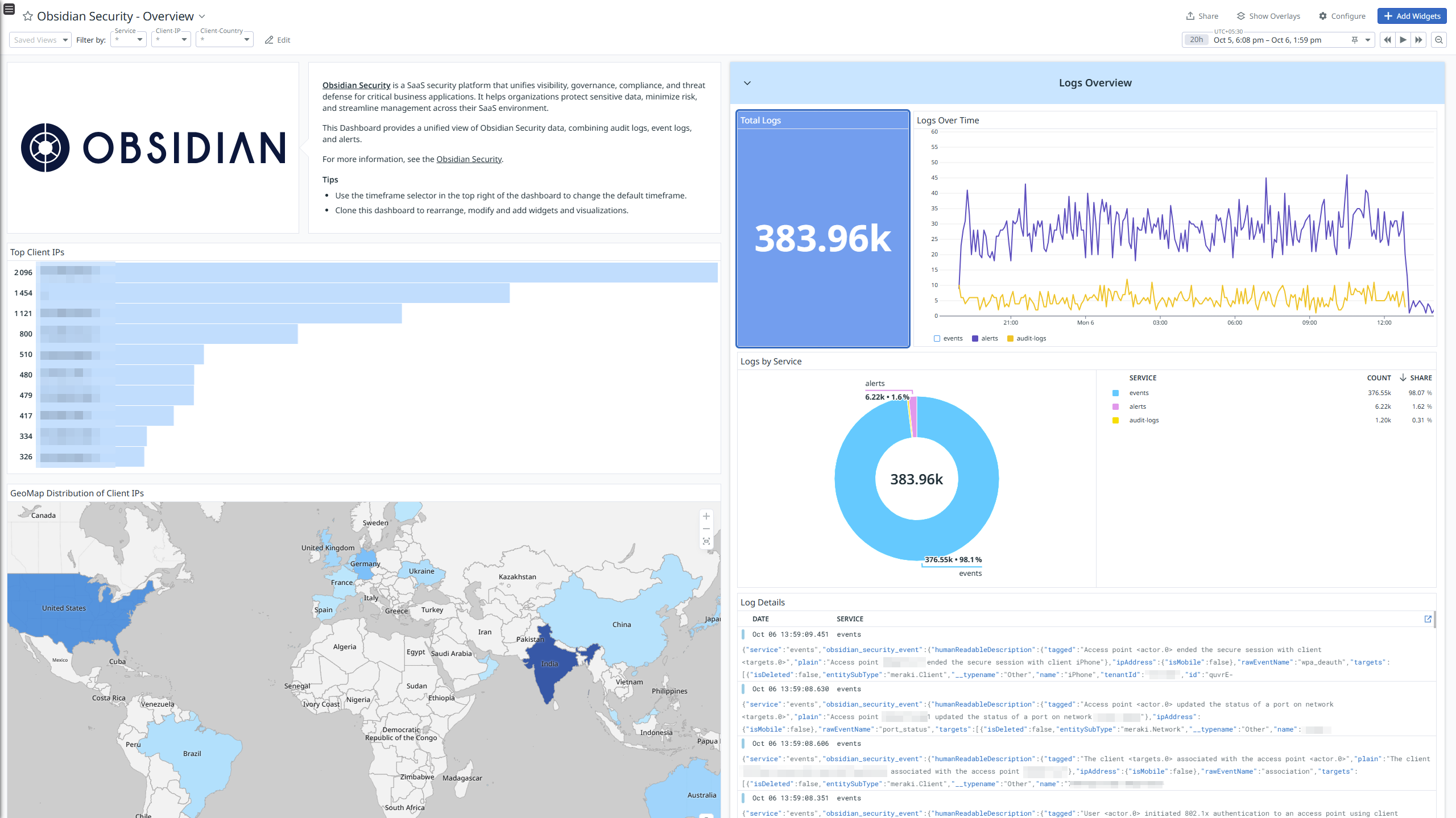
Obsidian Security - Overview
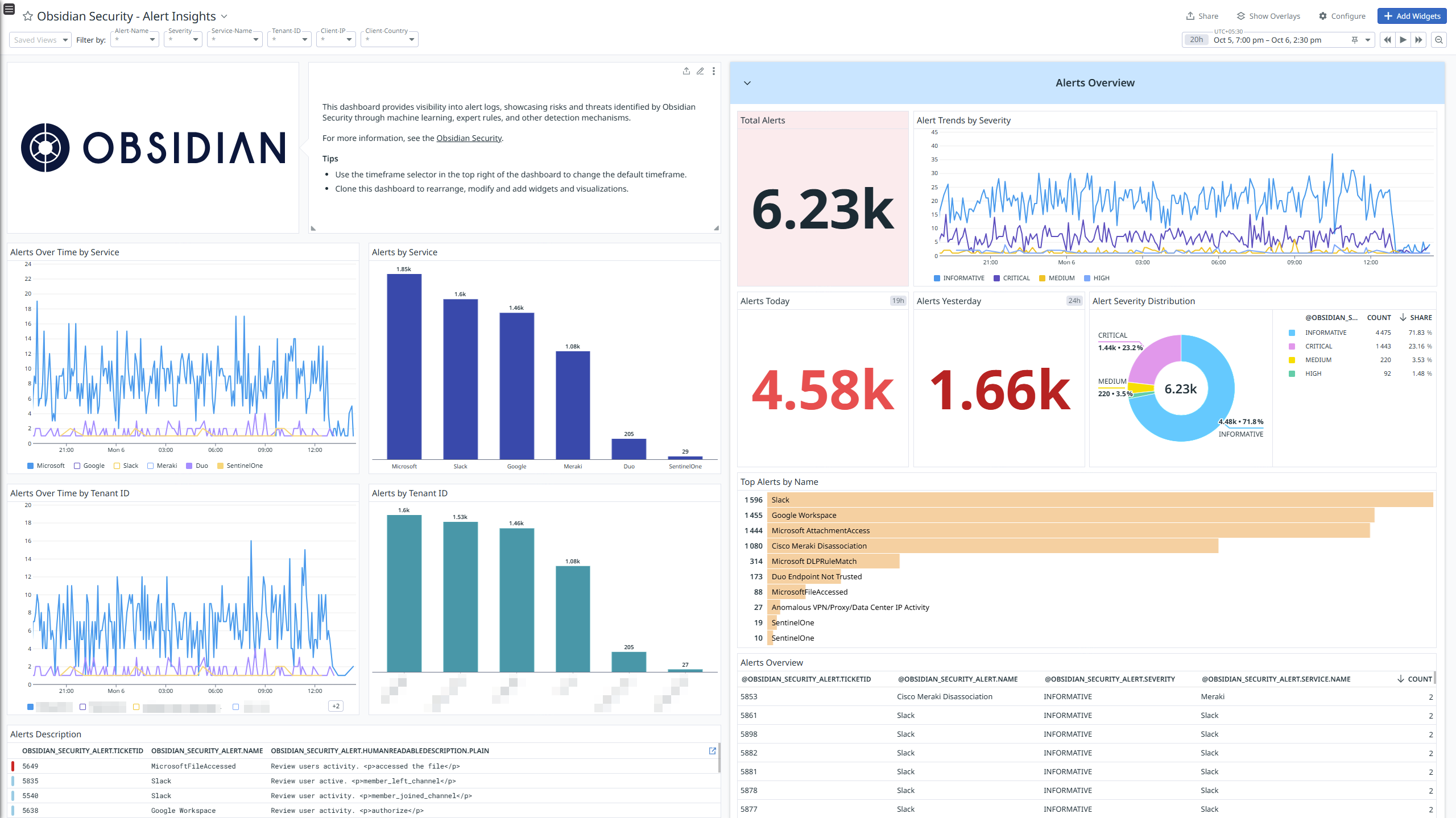
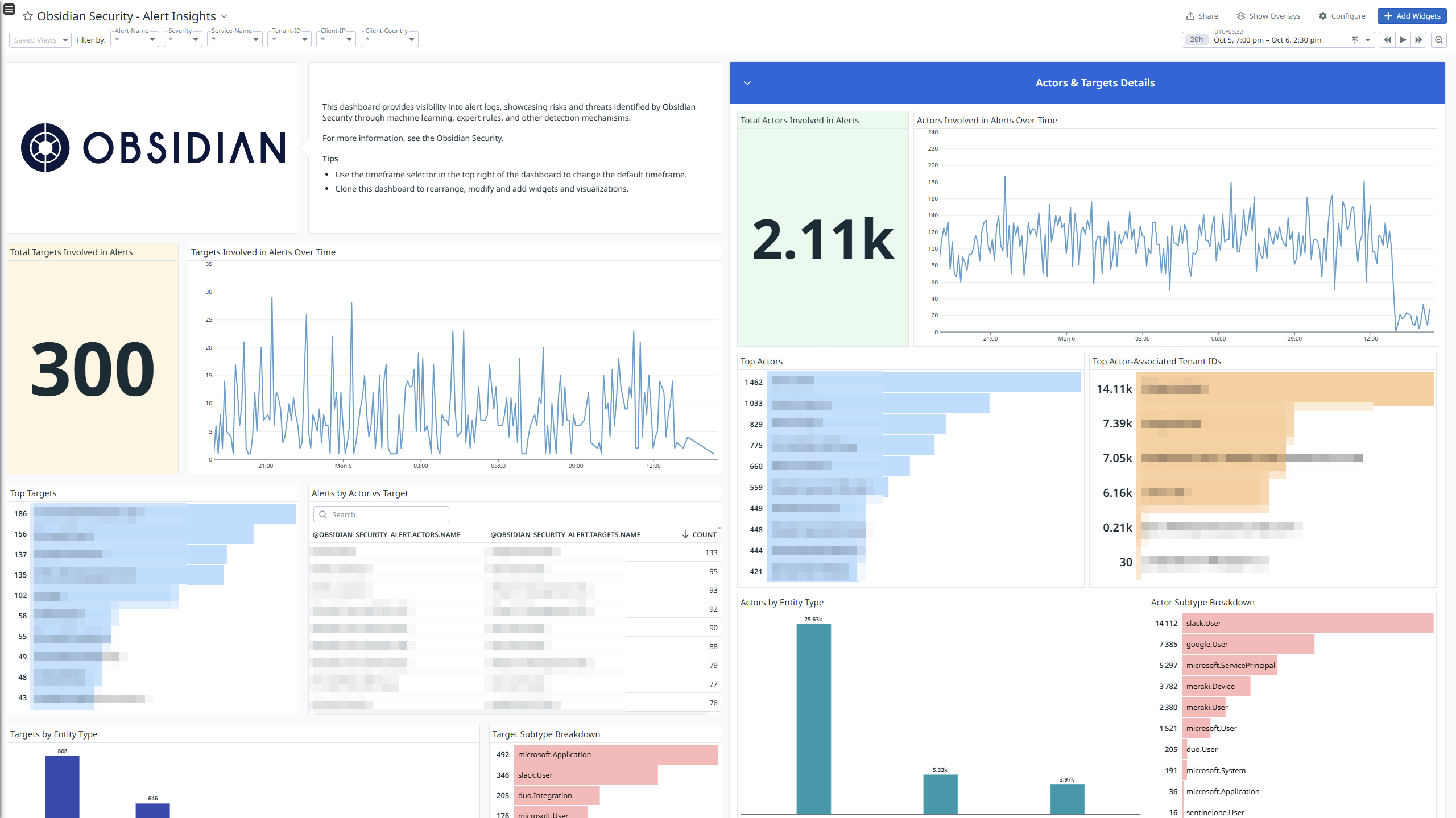
Obsidian Security - Alert Insights
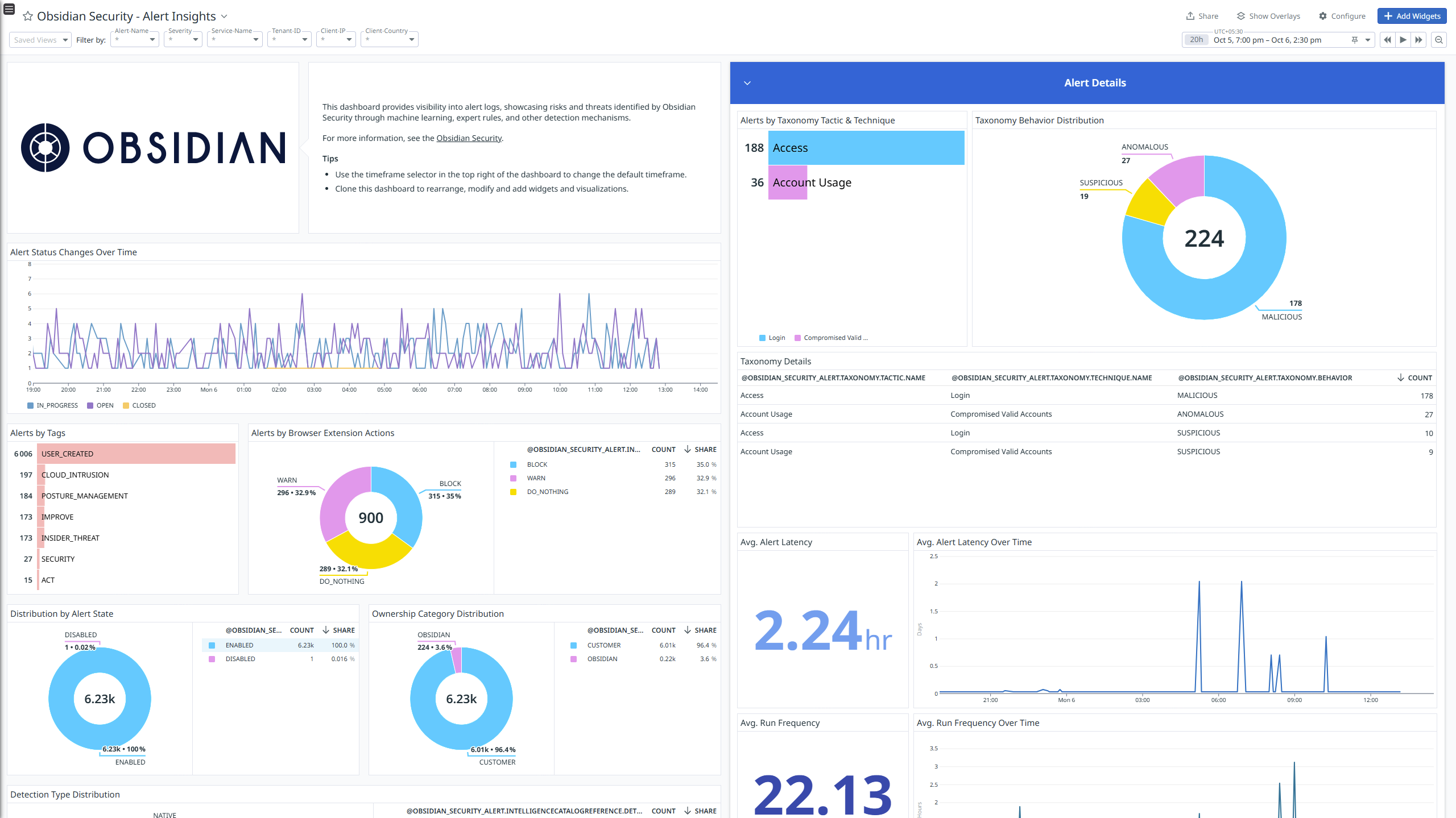
Obsidian Security - Alert Insights
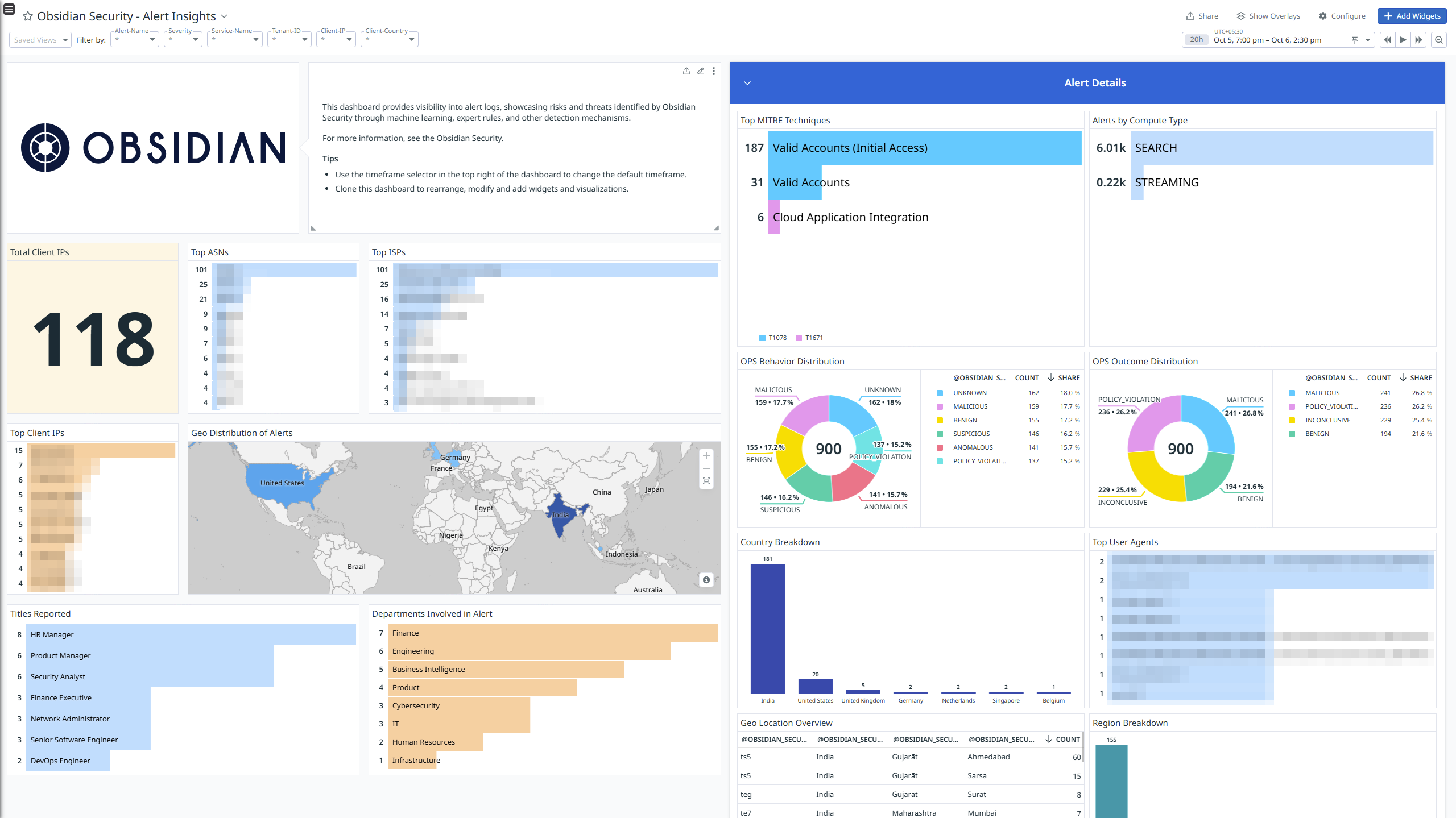
Obsidian Security - Alert Insights
Obsidian Security - Alert Insights
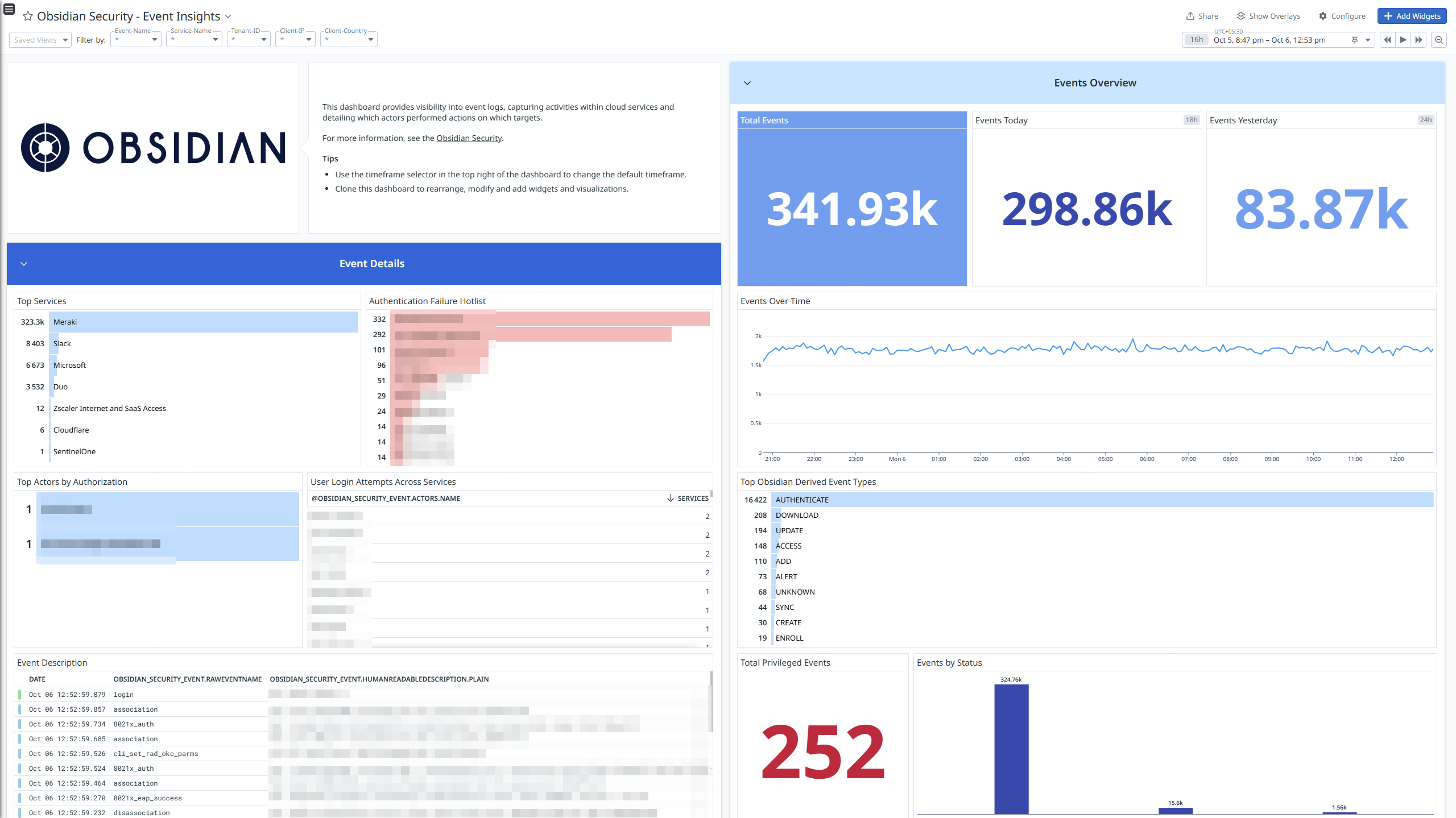
Obsidian Security - Event Insights
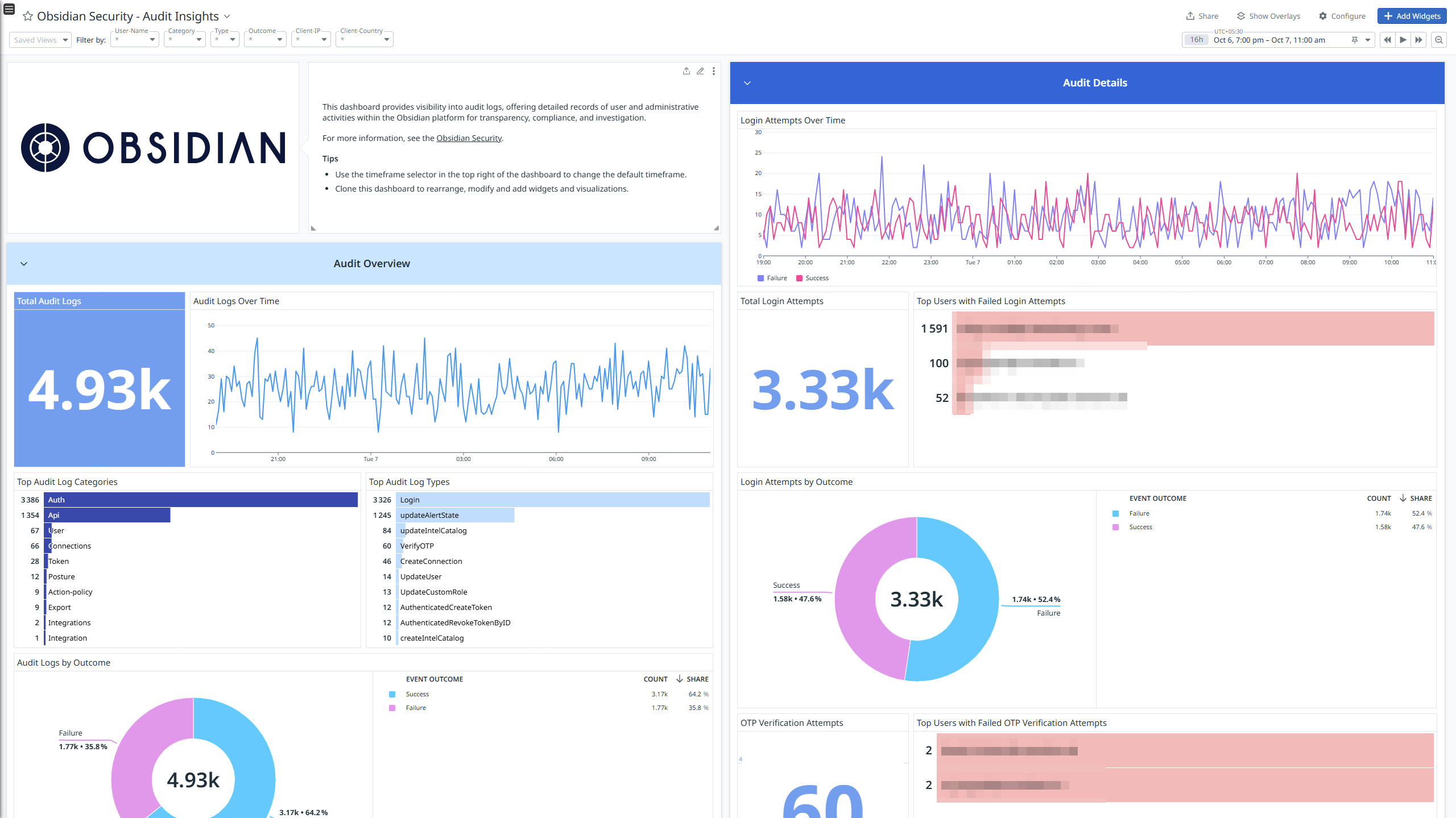
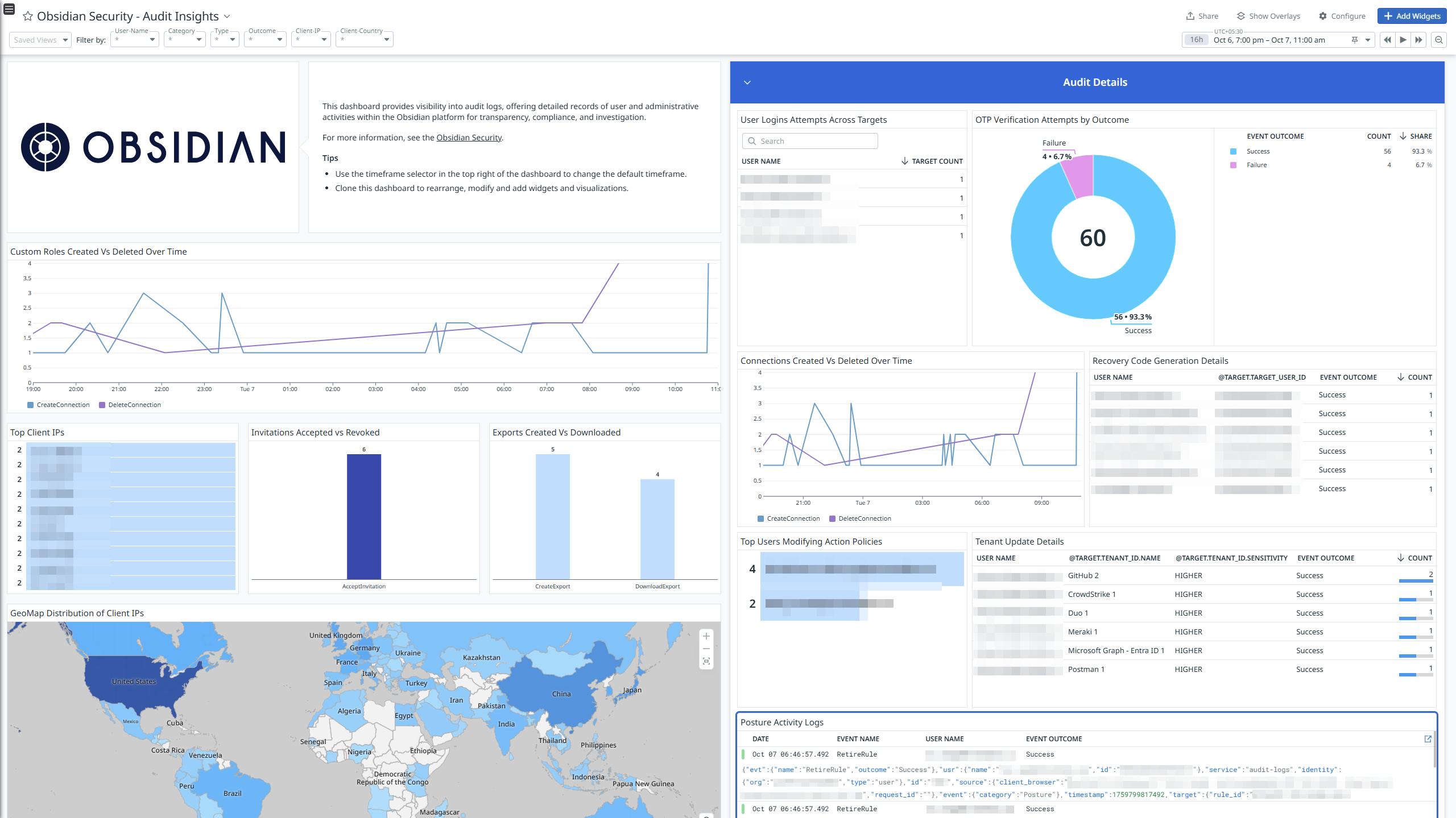
Obsidian Security - Audit Insights
Obsidian Security - Audit Insights
Overview
Obsidian Security is a SaaS security platform that unifies visibility, governance, compliance, and threat defense for critical business applications. It helps organizations protect sensitive data, minimize risk, and streamline management across their SaaS environment.
This integration ingests the following logs:
- Audit Logs: Audit logs provide detailed records of user and administrative activities within the Obsidian platform for transparency, compliance, and investigation.
- Alerts: Alerts logs highlight risks and threats identified by Obsidian Security using machine learning, expert rules, and other detection methods.
- Events: Event logs capture activities occurring within cloud services, showing which actors performed actions and which targets were affected.
Integrate Obsidian Security with Datadog to gain insights into audit, alerts, and event logs using pre-built dashboard visualizations. Datadog uses its built-in log pipelines to parse and enrich these logs, facilitating easy search and detailed insights. Additionally, the integration can be used with Cloud SIEM detection rules for enhanced monitoring and security.
Setup
Generate API Token from the Obsidian Security
- Log into Obsidian Security using admin account and navigate to Settings > API access tokens.
- Click Create token and provide the following details:
- Token name: A name that can help you identify the token.
- Expiry date: Choose Forever.
- Token access > Role: Choose API.
- Service access: Enable Full data access to all services and tenants.
- Click Submit.
- Copy the Token.
- Identify your Obsidian Security region by checking the hostname suffix of your URL:
- *.obsec.eu -> Europe
- *.sy.obsec.io -> Australia
- *.obsec.io -> America
Connect your Obsidian Security Account to Datadog
- Add your
Region and API Token.| Parameters | Description |
|---|
| Region | The Region of your Obsidian Security |
| API Token | The API Token of your Obsidian Security |
| Get Events | Control the collection of Events from Obsidian Security.
Enabled by default. |
| Get Alerts | Control the collection of Alerts from Obsidian Security.
Enabled by default. |
| Get Audit Logs | Control the collection of Audit Logs from Obsidian Security.
Enabled by default. |
- Click the Save button to save your settings.
Data Collected
Logs
Obsidian Security collects and forwards audit, alert and event logs to Datadog.
Metrics
Obsidian Security does not include any metrics.
Events
Obsidian Security does not include any events.
Troubleshooting
Need help? Contact Datadog support.