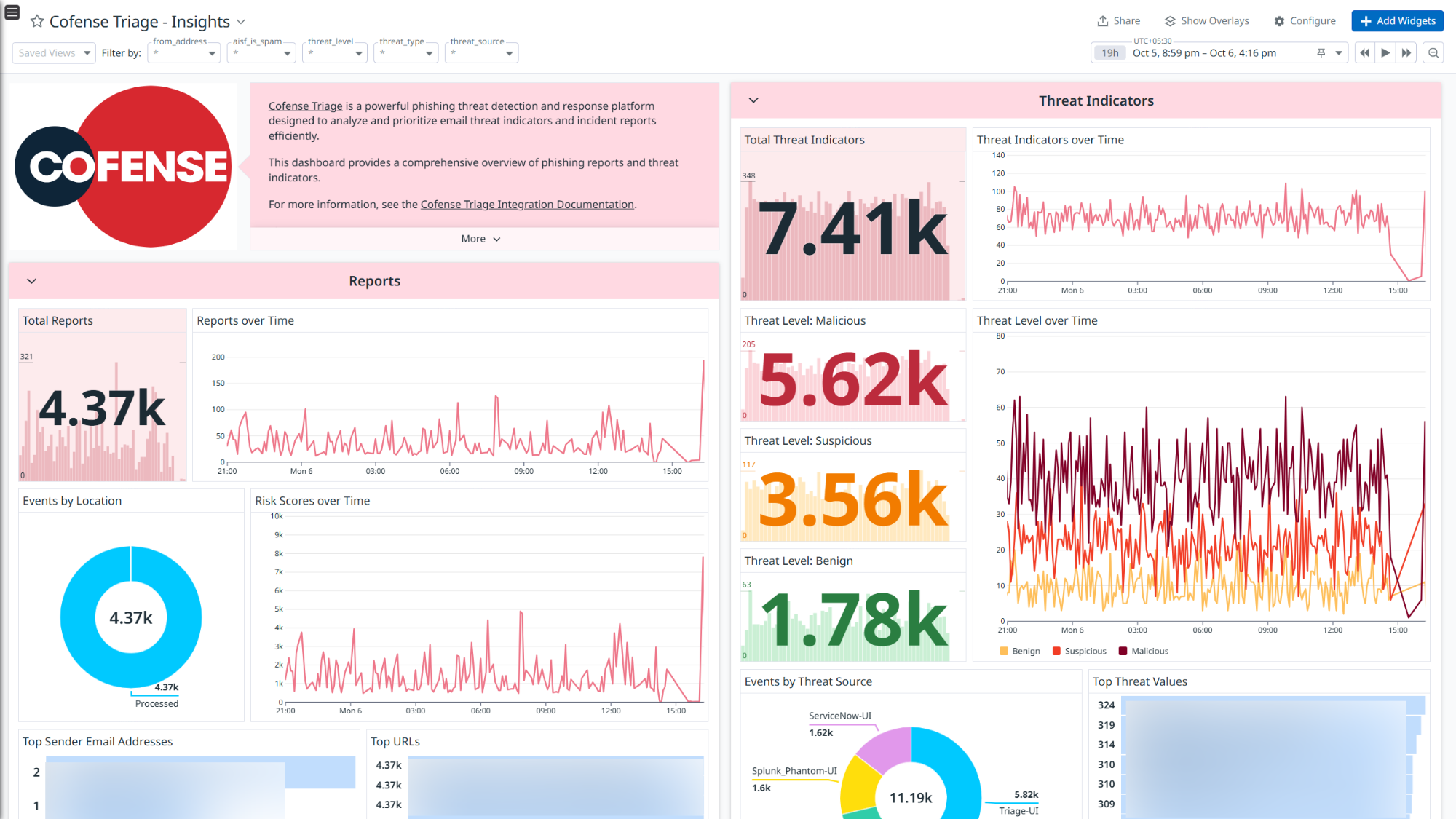
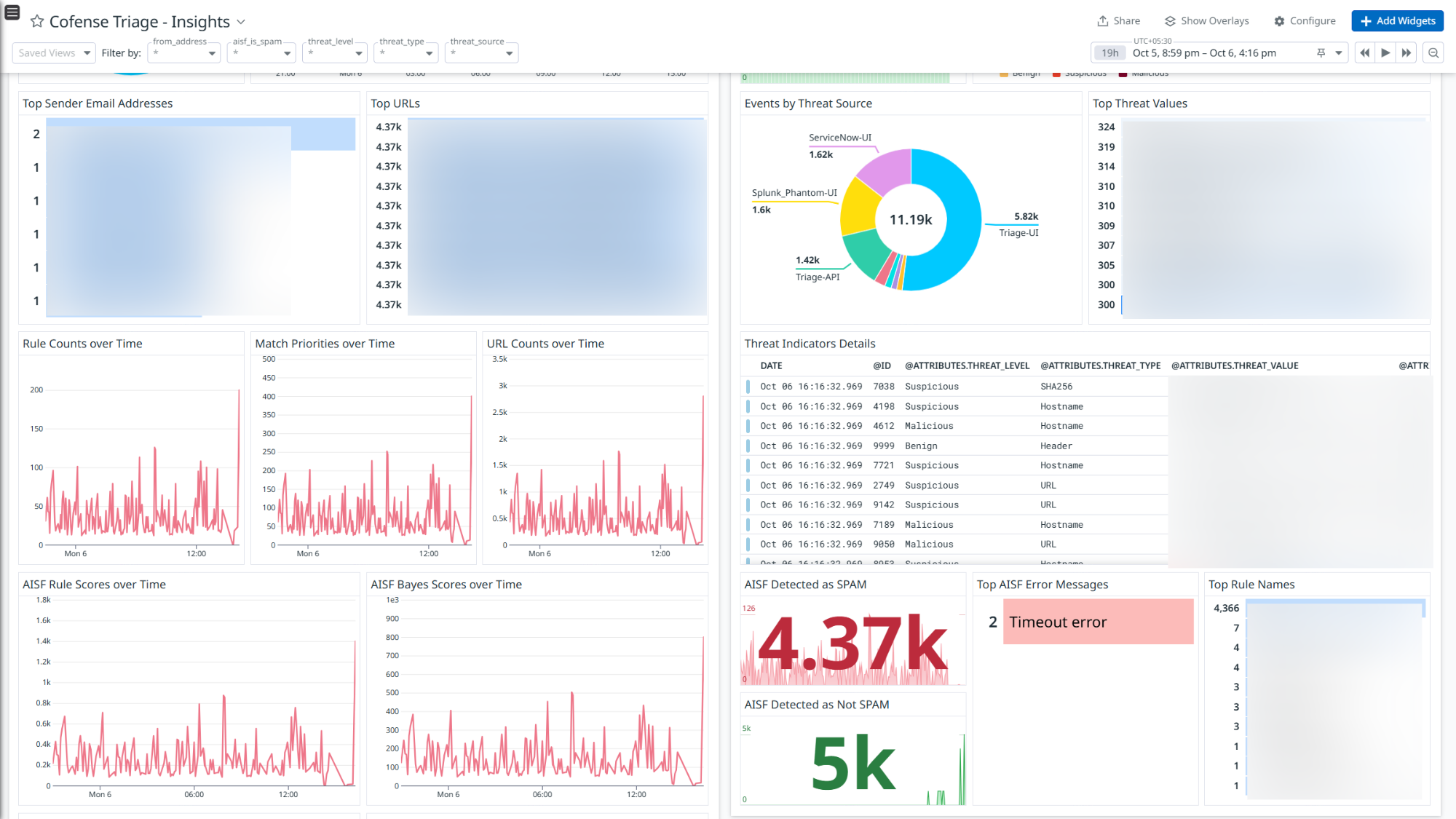
Cofense Triage - Insights
Cofense Triage - Insights
Overview
Cofense Triage is a powerful email-focused security platform designed to help organizations rapidly detect, analyze, and respond to phishing threats, especially those that bypass traditional email gateways.
This integration ingests the following logs:
- Reports: Provide information about the reported emails that Cofense Triage ingests, break down into components, and add additional information.
- Threat Indicators: Identify the threat level of an email’s subject, sender, domains, URLs, and MD5 and SHA256 attachment hash signatures.
Integrate Cofense Triage with Datadog to gain insights into reports and threat indicators using pre-built dashboard visualizations. Datadog uses its built-in log pipelines to parse and enrich these logs, facilitating easy search and detailed insights. The integration can also be used for Cloud SIEM detection rules for enhanced monitoring and security.
Setup
Prerequisites
- API Host
- Client ID
- Client Secret
Note: Users must have superuser access to generate the Client ID and Client Secret.
Generate API Credentials in Cofense Triage
Log in to the Cofense Triage portal with superuser credentials.
Navigate to Administration > API Management.
In the Rate Limit Settings, set the Triage API rate limit to the maximum value.
Select the Version2 tab, then click Applications.
Click New Application.
Enter a name for the application.
Choose the Read Only option under Triage Role.
Click Submit.
After submission, you’ll see the Client ID and Client Secret displayed.
Note: Use the maximum rate limit for optimal performance.
Connect your Cofense Triage Account to Datadog
- Add your API Host, Client ID and Client Secret.
| Parameters | Description |
|---|
| API Host | The hostname of the Cofense Triage portal. |
| Client ID | The Client ID of your Cofense Triage account. |
| Client Secret | The Client Secret of your Cofense Triage account. |
- Click Save to save your settings.
Whitelist Datadog IP Addresses
- Use an API platform such as Postman or the curl command to make a GET request to the Datadog API endpoint.
- After you receive the response, locate the webhooks section in the JSON. It looks something like this:
   "webhooks": {
      "prefixes_ipv4": [
         "0.0.0.0/32",
         ...
      ],
      "prefixes_ipv6": []
      }
- From the prefixes_ipv4 list under the Webhooks section, copy each CIDR entry.
- Work with Cofense support team to get these IP ranges whitelisted.
Data Collected
Logs
Cofense Triage collects and forwards reports and threat indicators to Datadog.
Metrics
Cofense Triage does not include any metrics.
Events
Cofense Triage does not include any events.
Troubleshooting
Need help? Contact Datadog support.