To find out if this integration is available in your organization, see your Datadog Integrations page or ask your organization administrator.
To initiate an exception request to enable this integration for your organization, email support@ddog-gov.com.
Overview
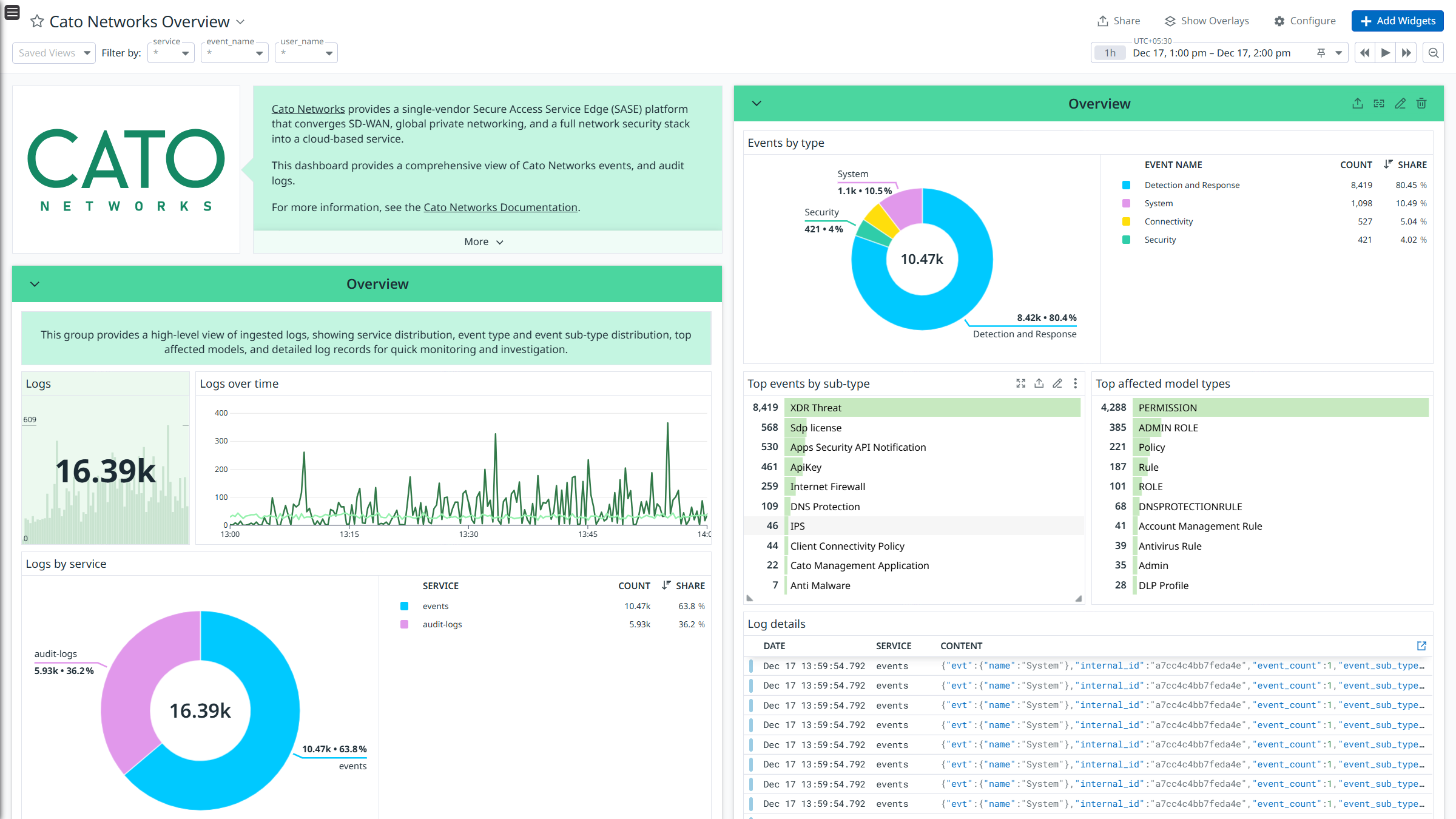
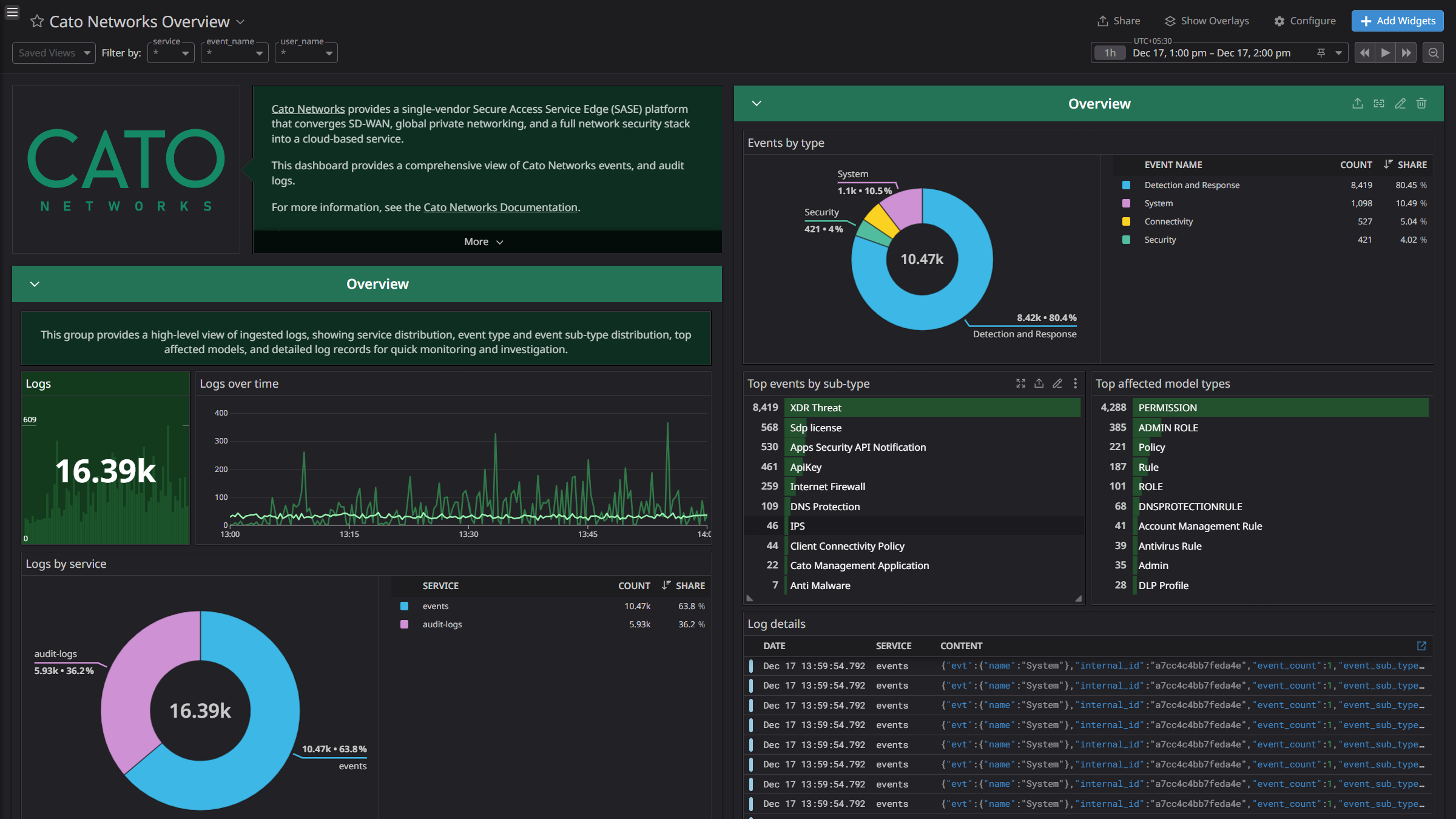
Cato Networks provides a single-vendor Secure Access Service Edge (SASE) platform that converges SD-WAN, global private networking, and a full network security stack into a cloud-based service.
This integration ingests the following logs:
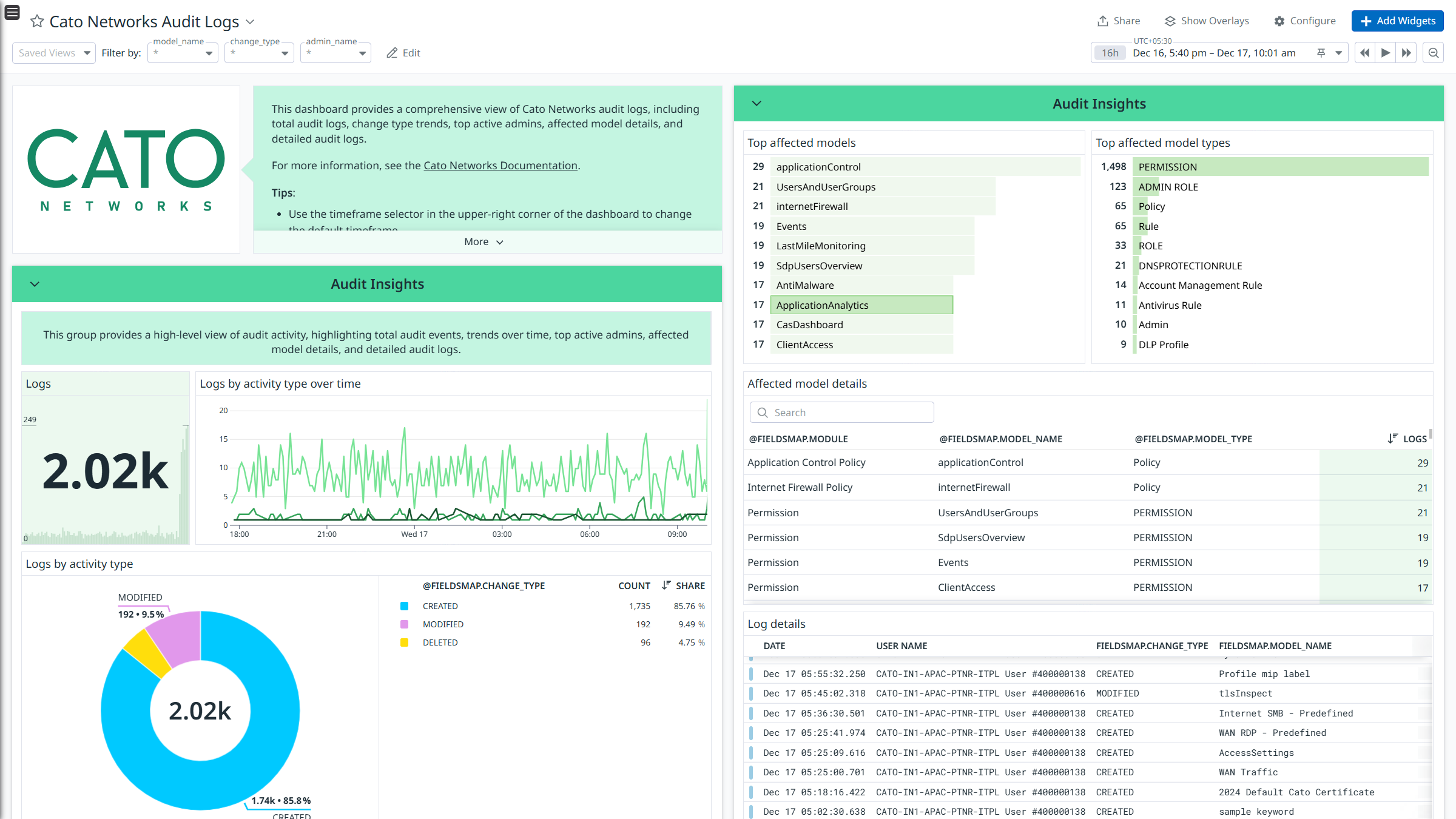
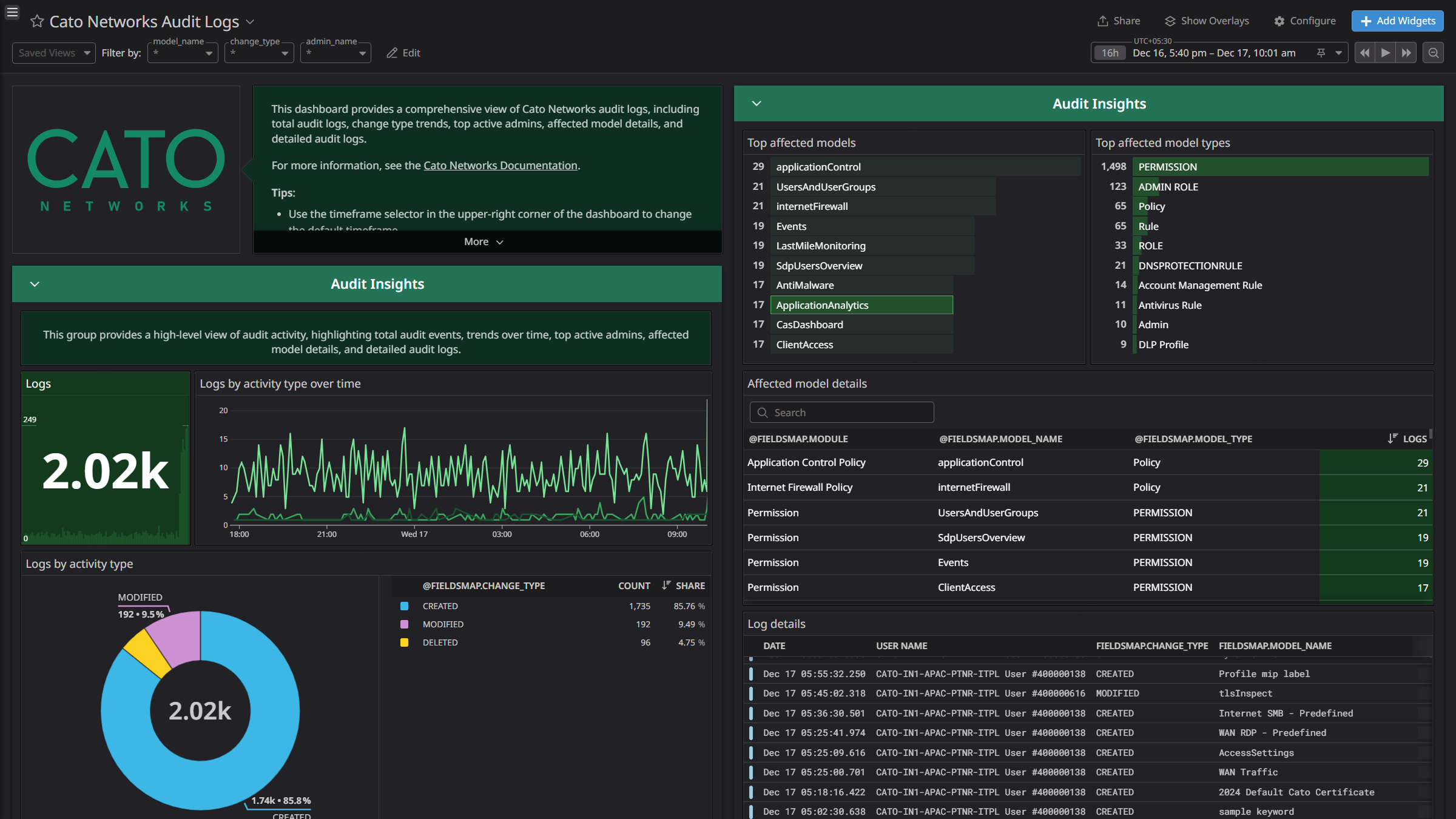
- Audit Logs: These logs provide detailed information on admin actions performed within the system.
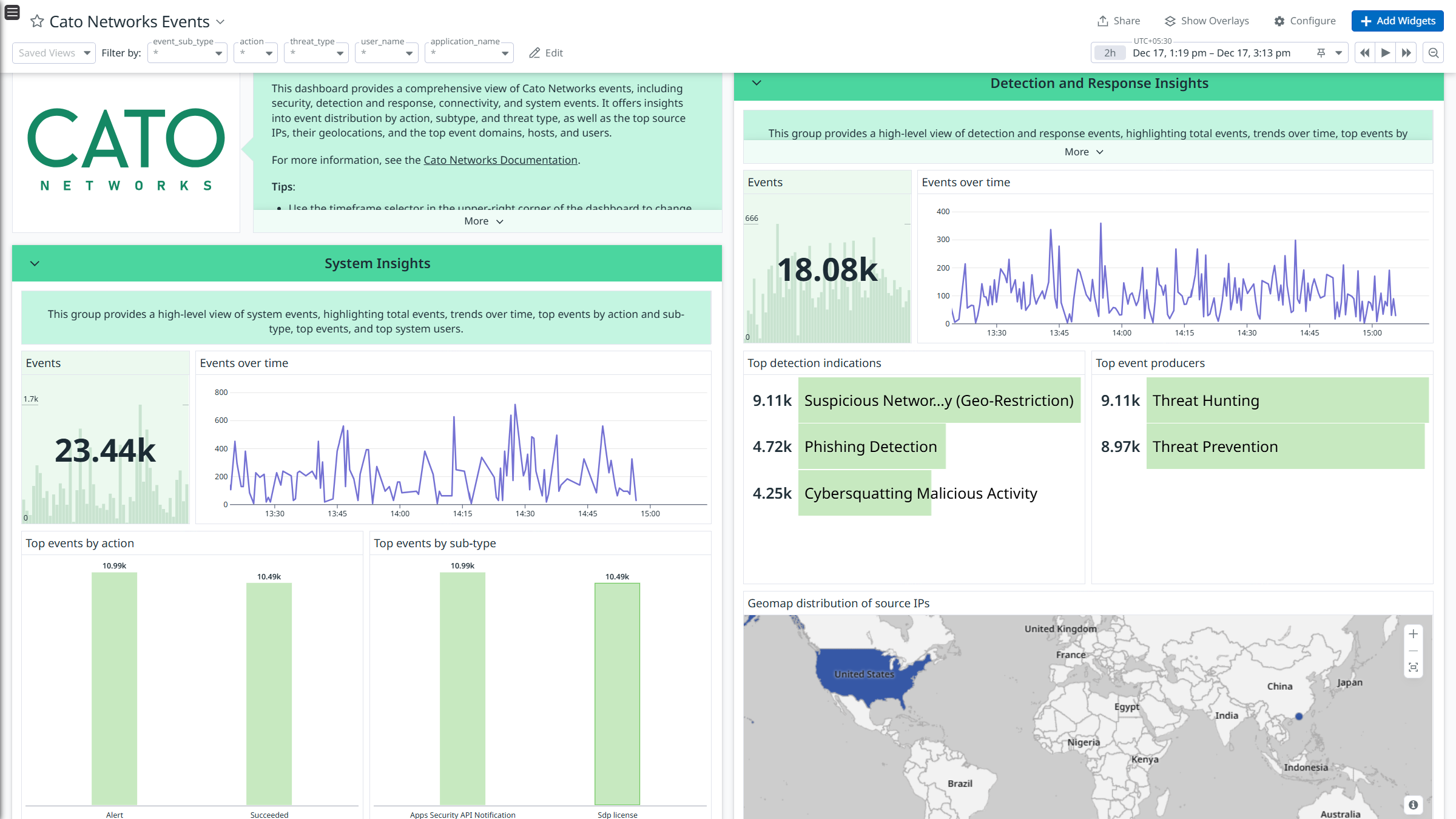
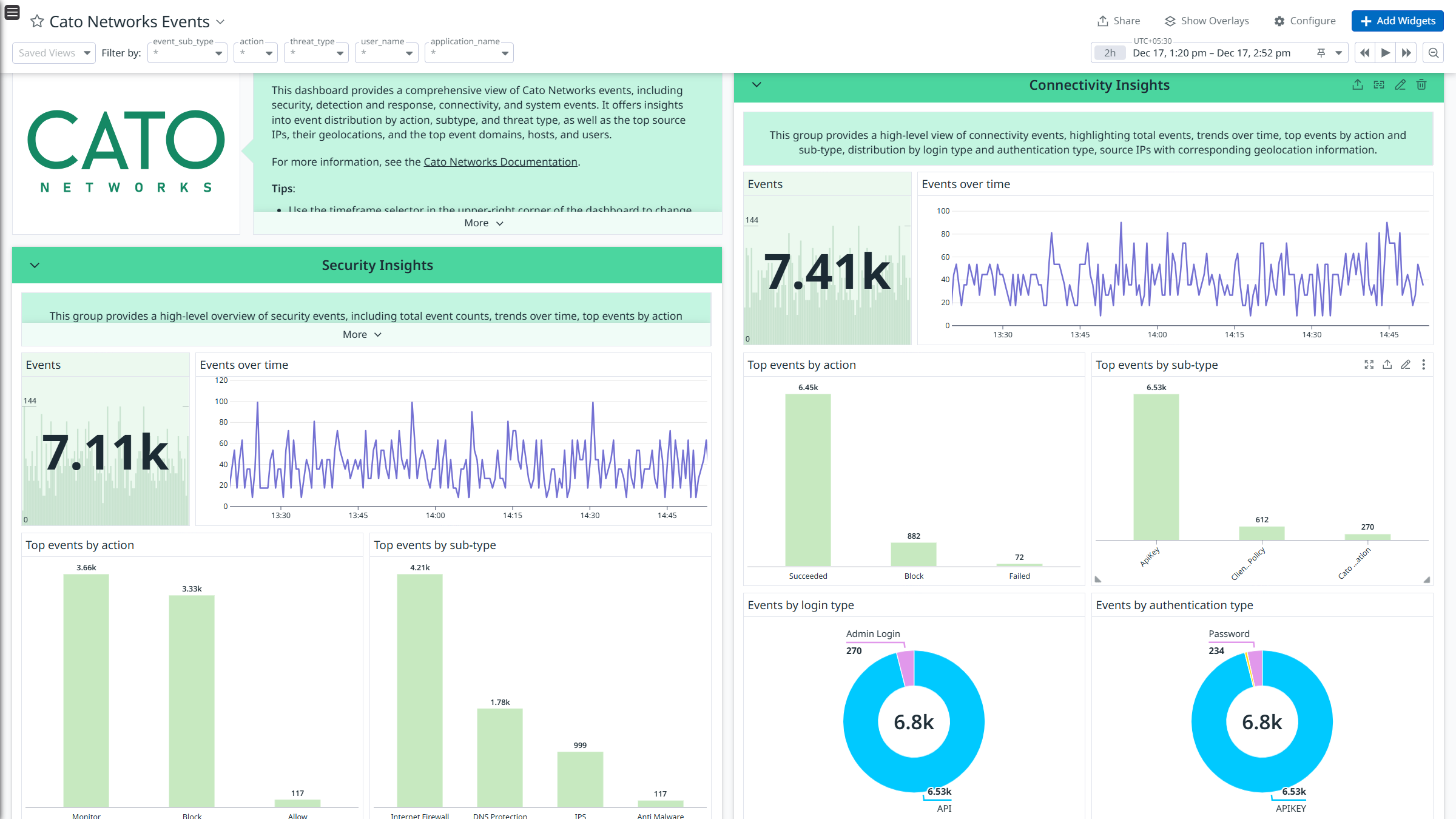
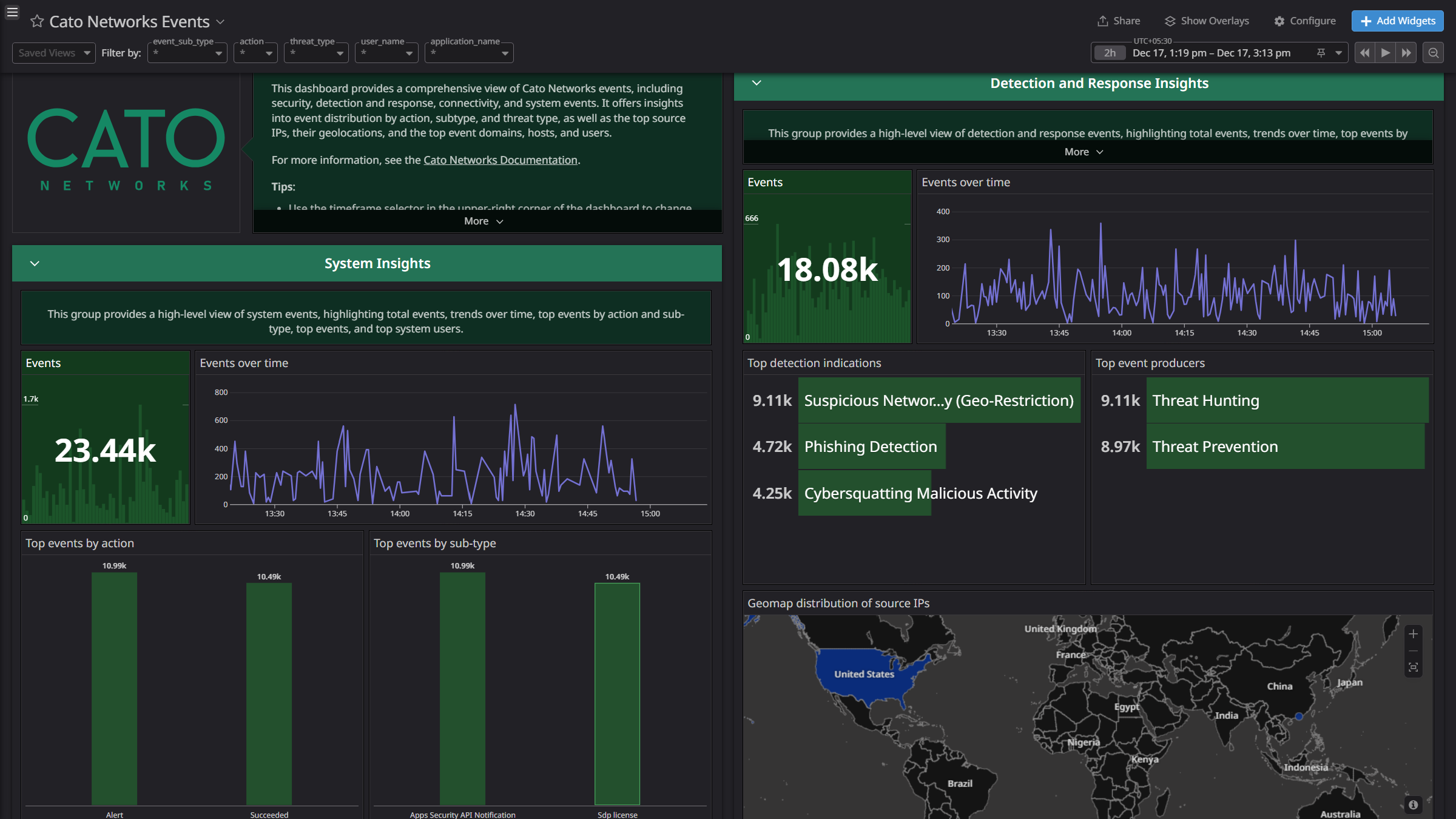
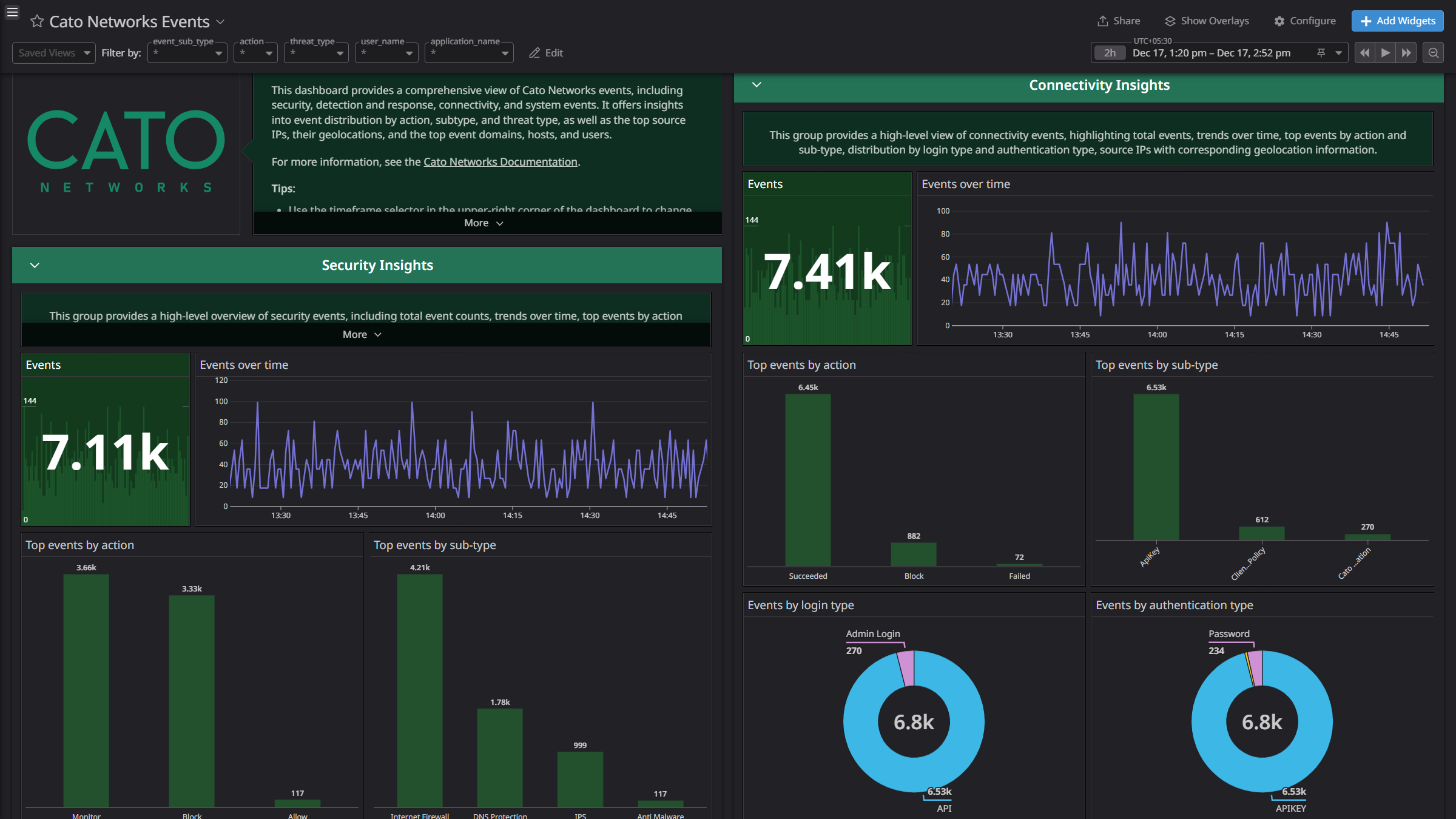
- Events: These logs provide detailed insights into security, detection and response, connectivity, and system events within the Cato Networks platform.
Integrate Cato Networks with Datadog to gain insights into audit logs and events using pre-built dashboard visualizations. Datadog uses its built-in log pipelines to parse and enrich these logs, facilitating easy search and detailed insights. Additionally, the integration can be used for Cloud SIEM detection rules for enhanced monitoring and security.
Setup
Audit Log Collection
Obtaining Client Credentials
- Log in to Cato Networks platform and navigate to Resources > Service API Keys.
- In the Service API Keys tab, click New and provide the following details:
- Select the Service Principal.
- Enter the Key Name.
- Set the API Permission as Downgrade to View.
- Set Any IP under the Allow access from IPs section.
- Click Apply button and copy the Token.
- Navigate to Account > Account Info and copy the Account ID.
- Identify your Cato Networks Region by checking the prefix of your URL:
cc.us1.catonetworks.com - us1cc.catonetworks.com - Keep region as empty
Connect your Cato Networks Account to Datadog
- Add your
Cato Account ID, API Token and Region.| Parameters | Description |
|---|
| Cato Account ID | The account ID from your Cato Networks platform URL |
| API Token | The API Token of your Cato Networks platform |
| Region | The prefix from your Cato Networks platform URL |
- Click Save.
Event Log collection
For more information about configuring an AWS S3 Bucket, see Configuring the AWS S3 Bucket.
Set up event integration in CATO networks
For more information on configuring the event integration in a CATO network, see Adding Amazon S3 Integration for Events.
See the Datadog Forwarder documentation for detailed configuration instructions. When configuring the Datadog Forwarder, set the source as follows:
- For CloudFormation deployments, set
DdSource to cato-networks. - For Terraform deployments, set
dd_source to cato-networks. - For manual deployments, set the
DD_SOURCE environment variable to cato-networks.
Data collected
Logs
The Cato Networks integration collects and forwards audit logs and events to Datadog.
Metrics
The Cato Networks integration does not include any metrics.
Events
The Cato Networks integration does not include any events.
Troubleshooting
Need help? Contact Datadog support.