BeyondTrust Identity Security Insights
BeyondTrust Identity Security Insights - Detections
BeyondTrust Identity Security Insights - Detections
Overview
BeyondTrust Identity Security Insights is a web-based application designed to enhance identity protection. It connects BeyondTrust products and third-party services to automatically scan for associated accounts and track your organization’s identities.
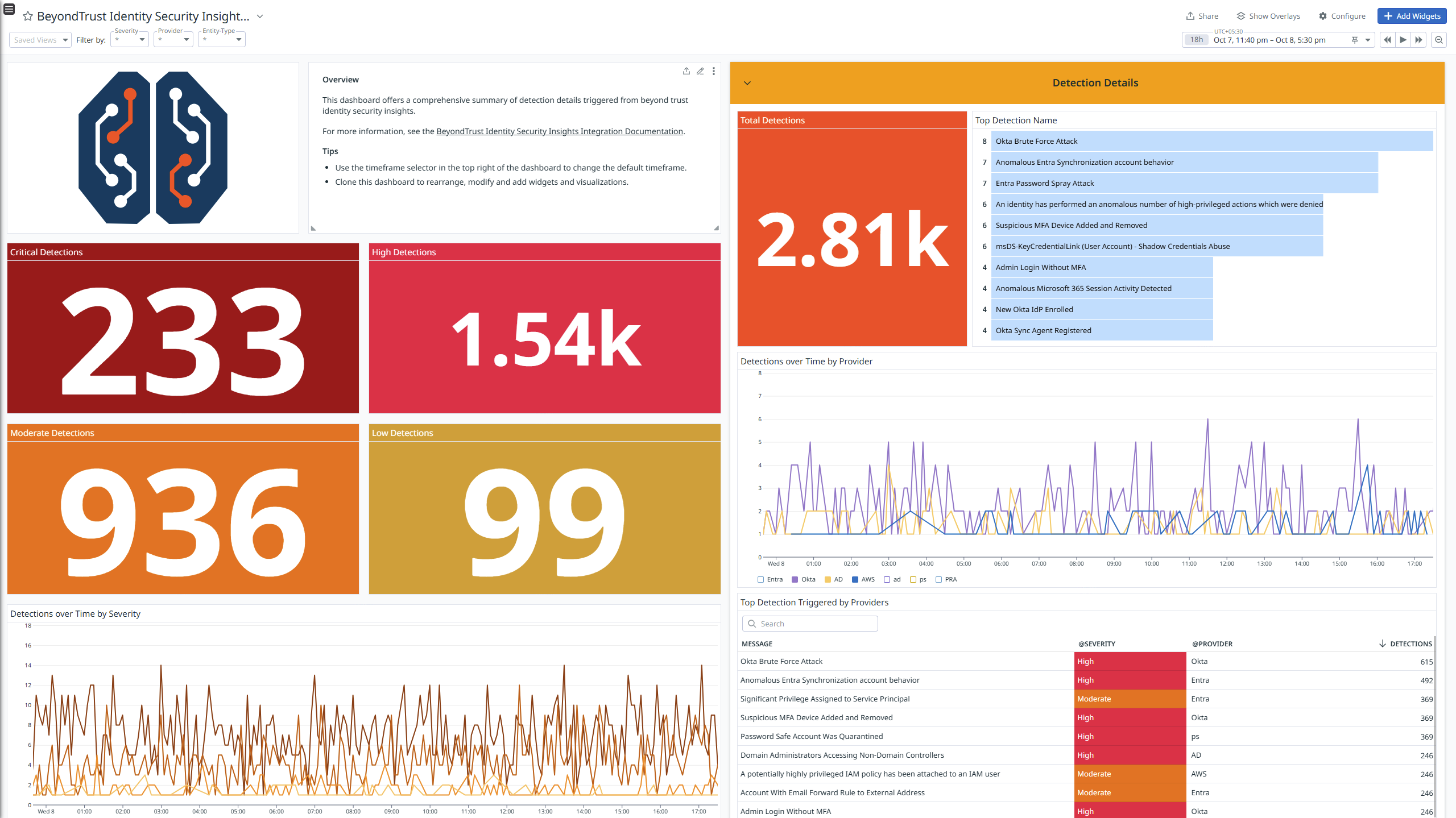
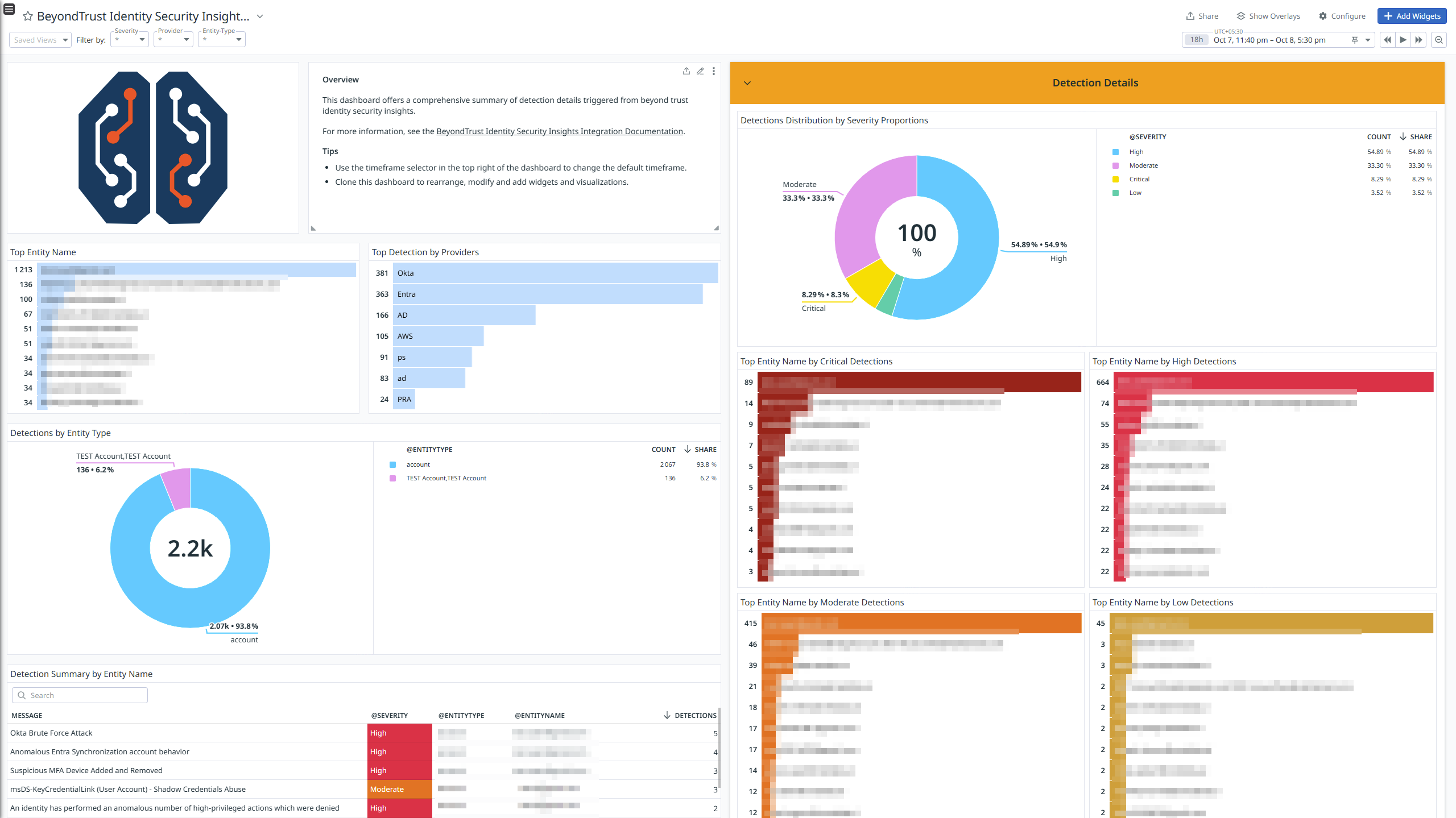
Integrate BeyondTrust Identity Security Insights with Datadog’s pre-built dashboard visualizations to gain insights into detection logs. With Datadog’s built-in log pipelines, you can parse and enrich these logs to facilitate easy search and detailed insights.
This integration also includes ready-to-use Cloud SIEM detection rules for enhanced monitoring and security. These Cloud SIEM rules can be used with Datadog Workflow Automation to orchestrate and automate your end-to-end processes with OOTB Workflow Blueprints.
Setup
Configuration
Webhook Configuration
Configure the Datadog endpoint to forward BeyondTrust Identity Security Insights detections as logs to Datadog.
- Copy the generated URL inside the Configuration tab on the Datadog BeyondTrust Identity Security Insights tile.
- Sign in to BeyondTrust Identity Security Insights Portal.
- Go to Insights > Integrations from the top left side main menu.
- Click Webhooks.
- Click Create Integration.
- Provide the following details:
- Webhook Name: Enter your desired name for this webhook.
- Webhook URL: Enter the endpoint URL that you generated in step 1.
- Authorization Type: Select
None - Webhook Template: Enter the JSON object below, which represents the information sent from Insights,
{
    "incidentId": "%%incidentId%%",
    "tenantId": "%%tenantId%%",
    "incidentType":"%%incidentType%%",
    "severity":"%%severity%%",
    "definitionId":"%%definitionId%%",
    "definitionSummary":"%%definitionSummary%%",
    "source":"%%source%%",
    "location":"%%location%%",
    "entityType":"%%entityType%%",
    "entityName":"%%entityName%%",
    "timestamp": "%%timestamp%%",
    "link": "%%link%%"
}
- Send detections automatically?: Select the checkbox to send detections automatically.
- Severity: select all four options (
Critical, High, Moderate, and Low). - Click Create Integration.
Data Collected
Logs
The BeyondTrust Identity Security Insights integration collects and forwards Detections logs to Datadog.
Metrics
The BeyondTrust Identity Security Insights integration does not include any metrics.
Events
The BeyondTrust Identity Security Insights integration does not include any events.
Support
For any further assistance, contact Datadog support.