Versión de la integración1.0.0
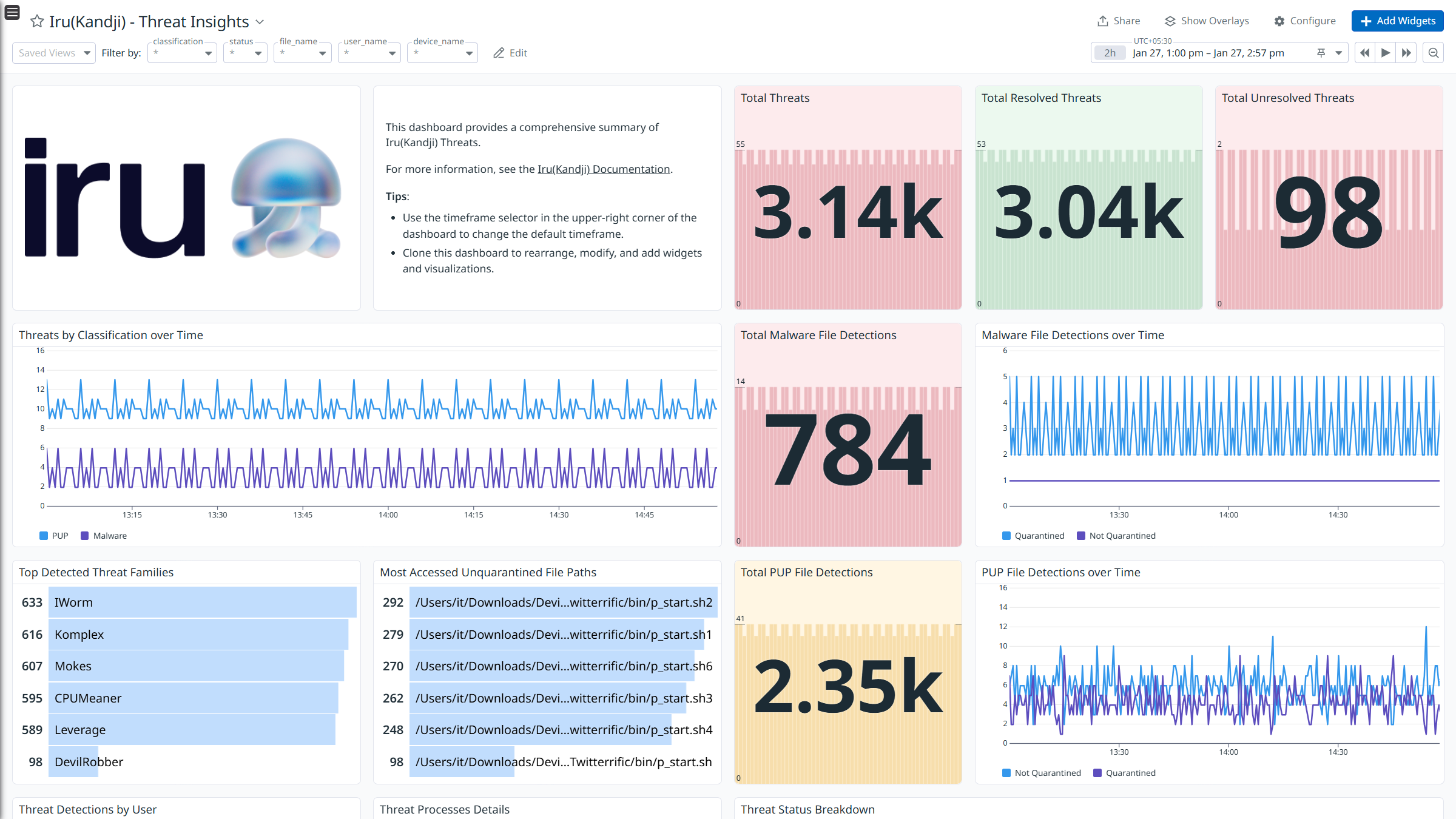
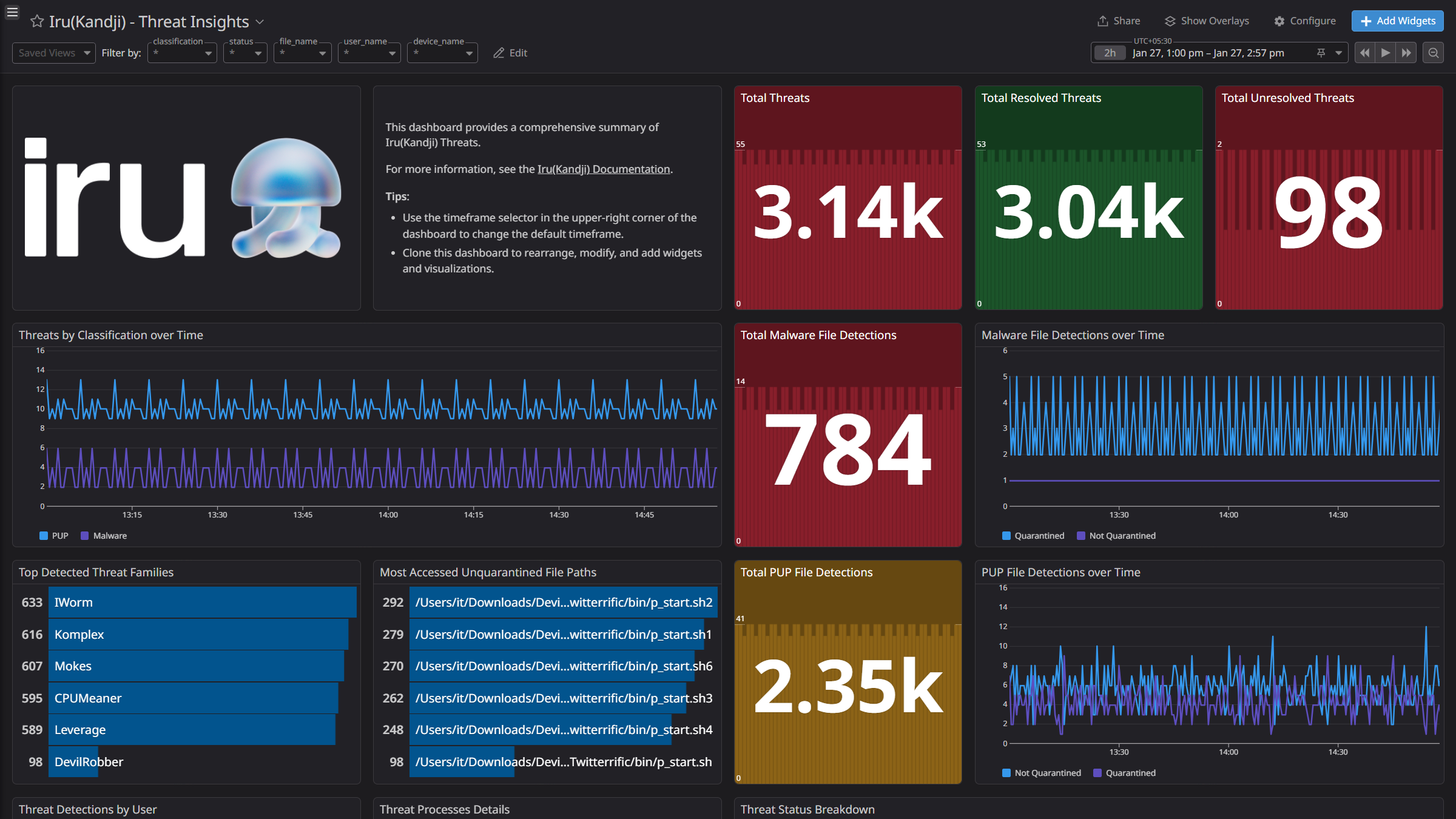
Iru (Kandji) - Threat Insights
Iru (Kandji) - Threat Insights
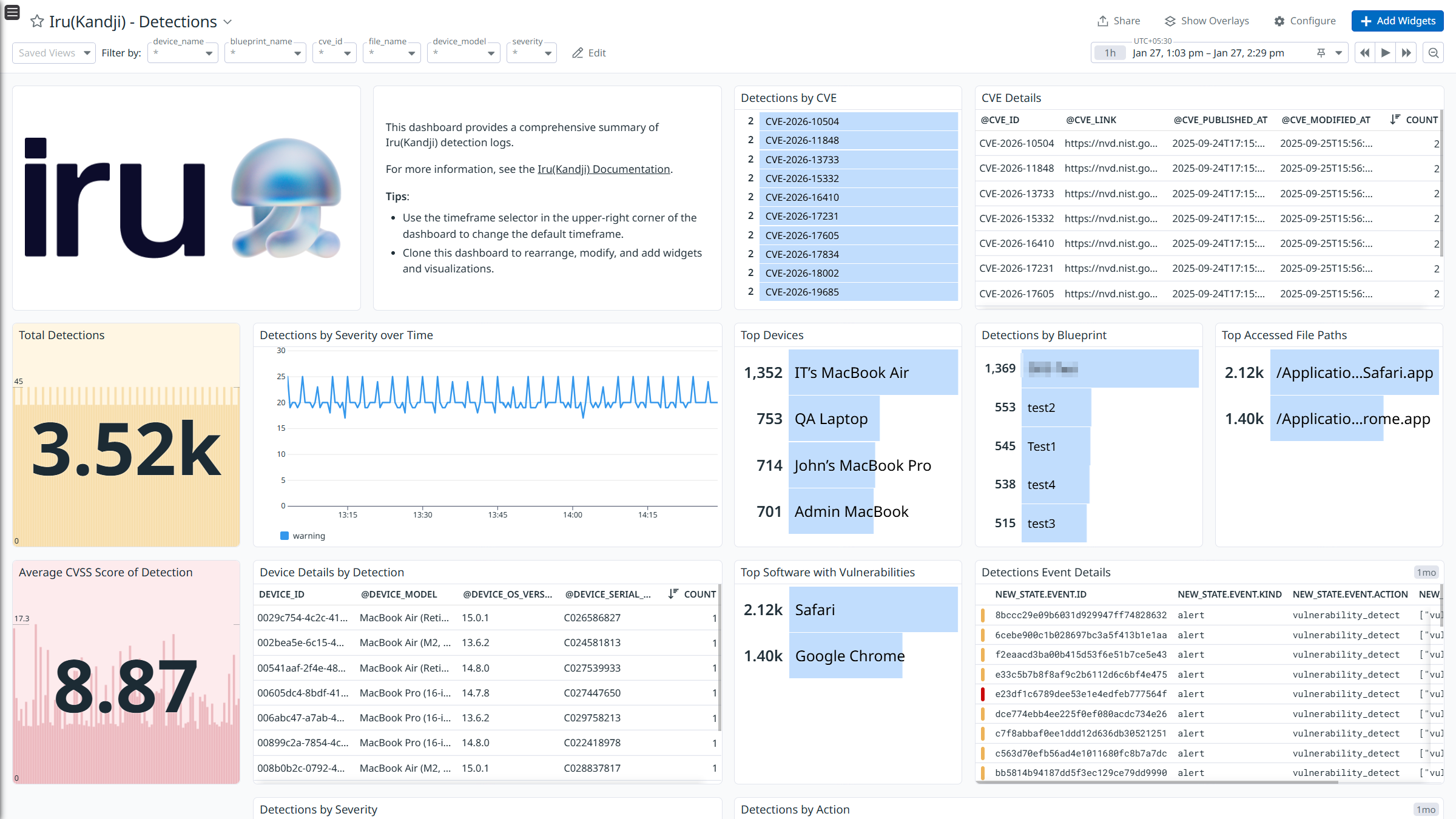
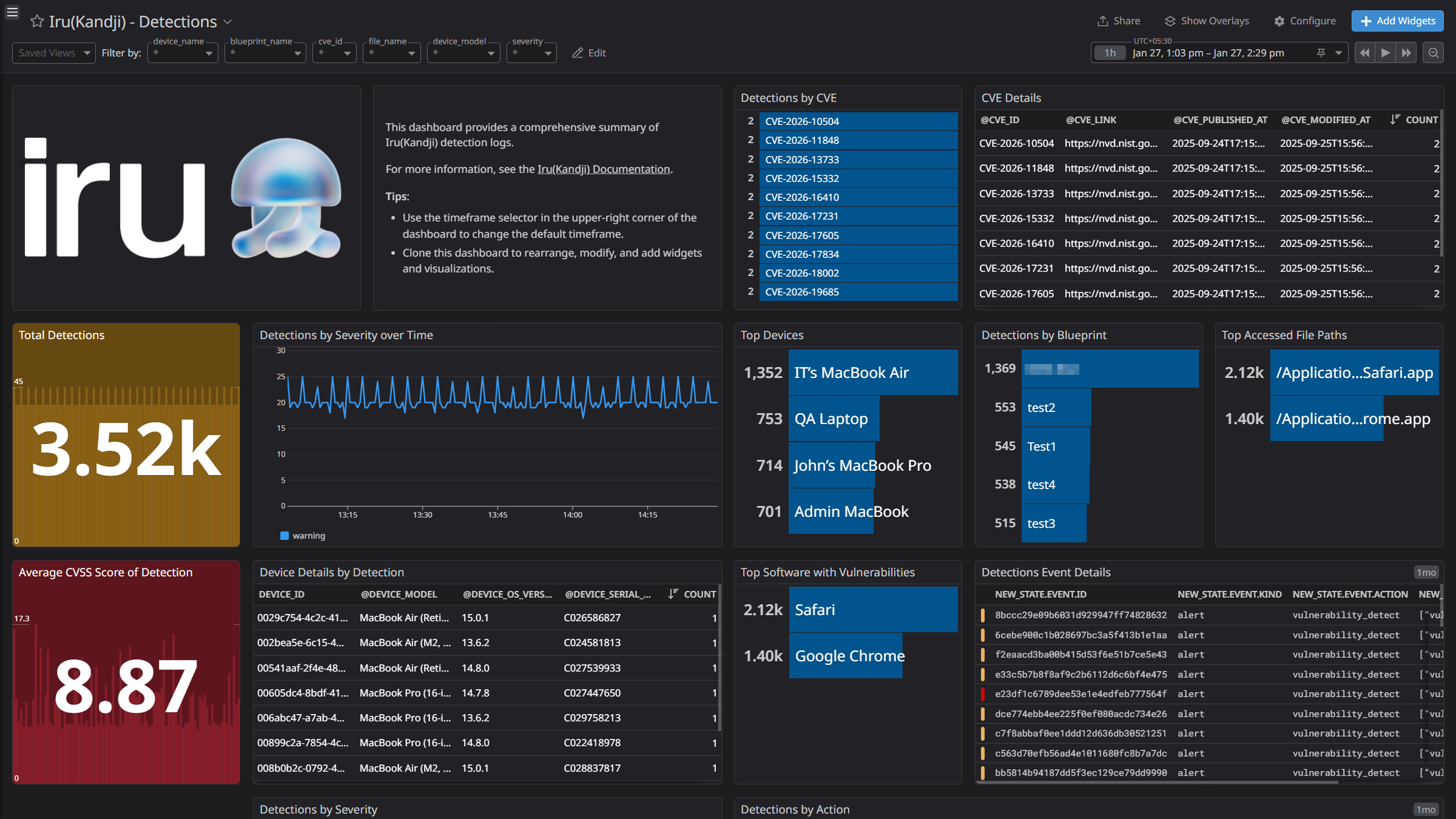
Iru (Kandji) - Detections
Iru (Kandji) - Detections
Overview
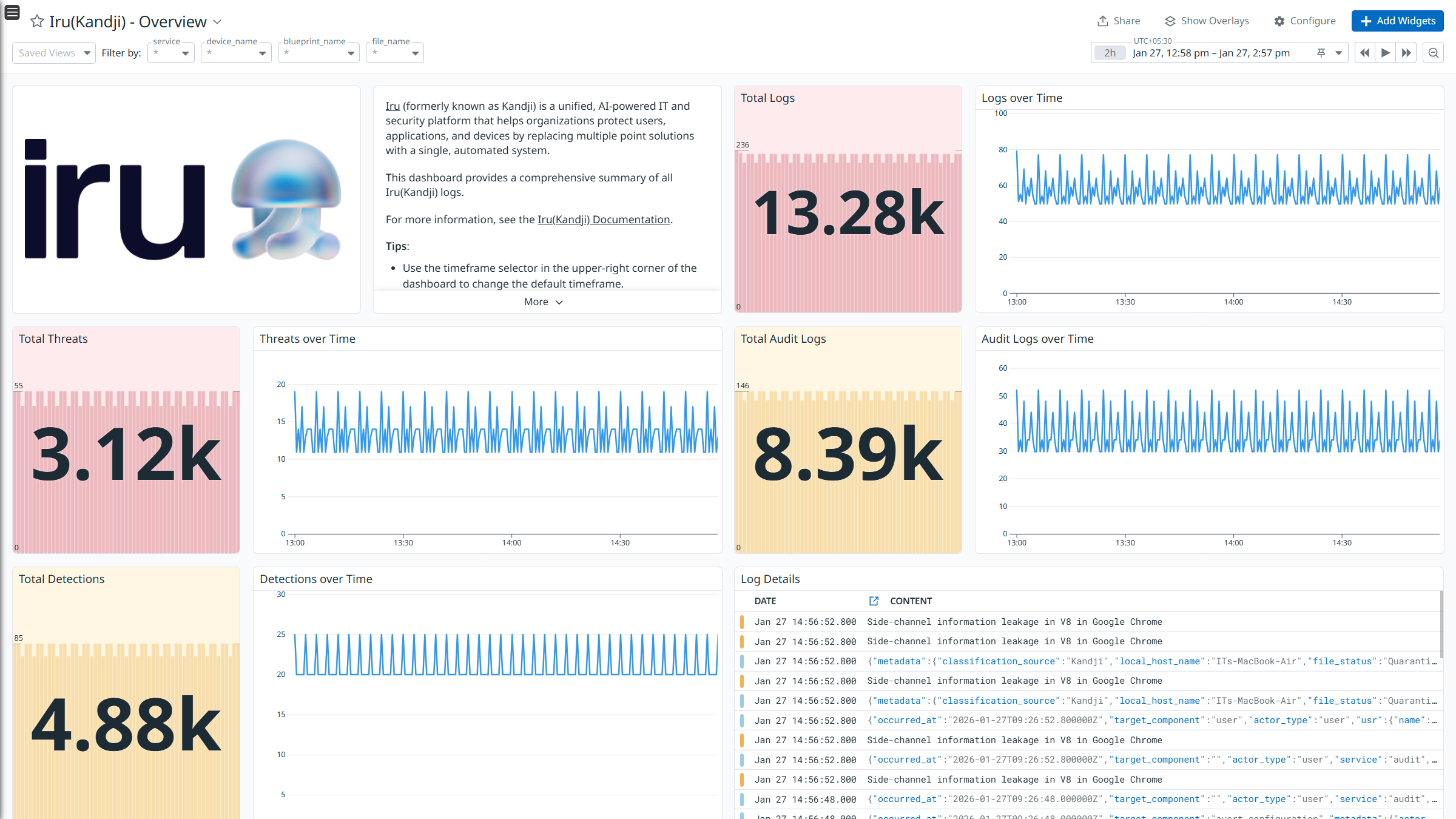
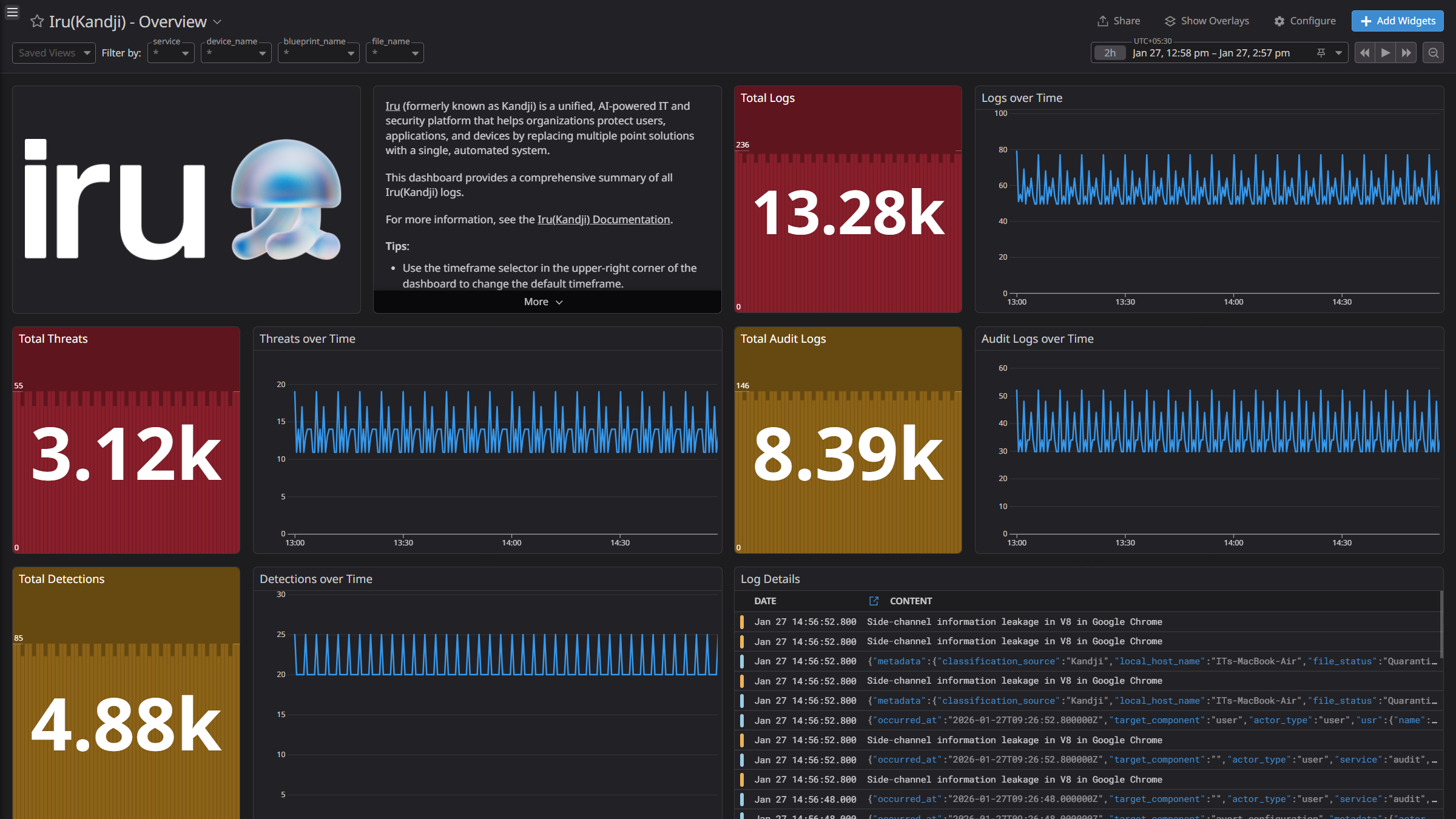
Iru (formerly known as Kandji) is a unified, AI-powered IT and security platform that helps organizations protect users, applications, and devices by replacing multiple solutions with a single, automated system.
This integration ingests the following logs:
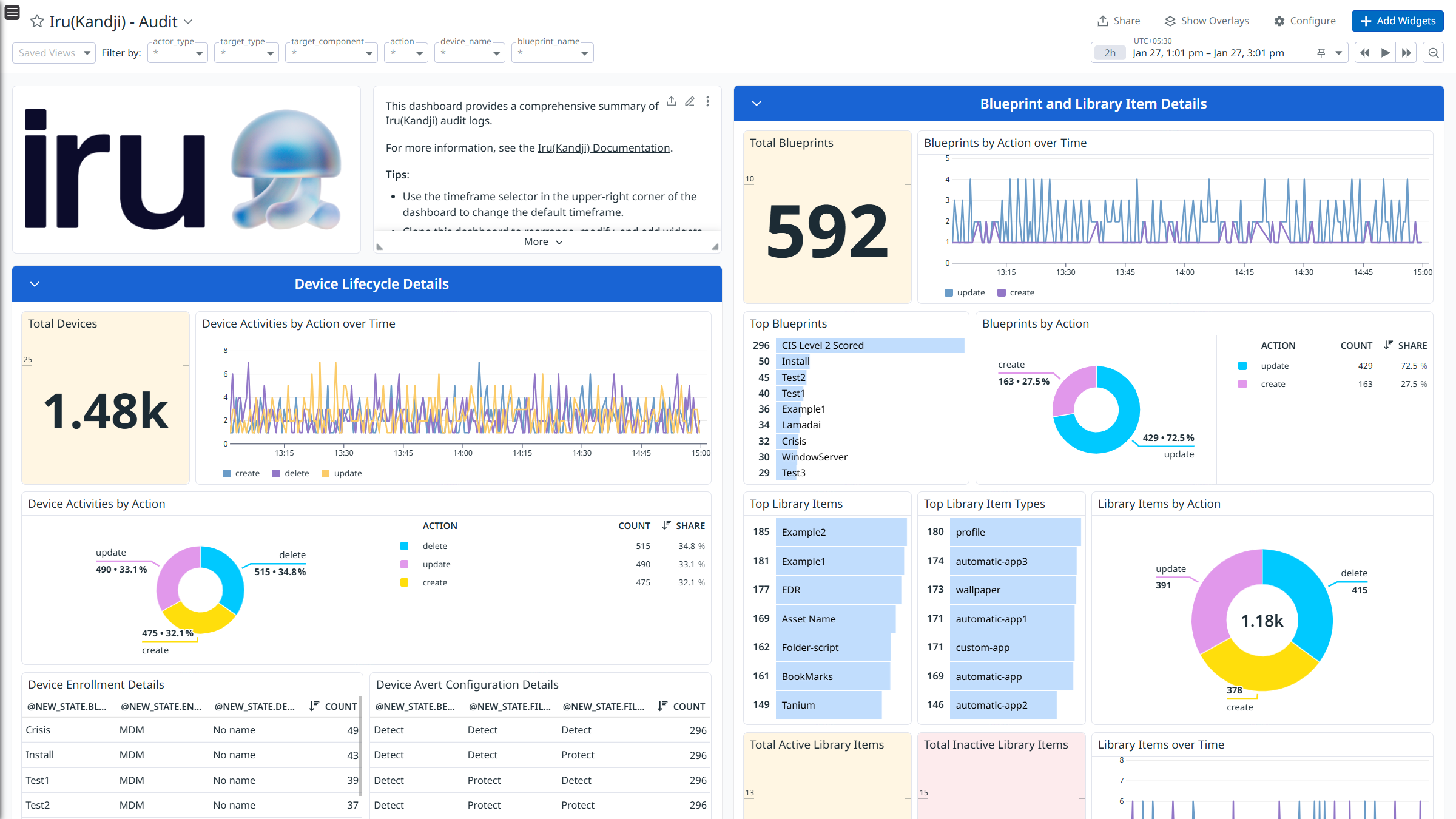
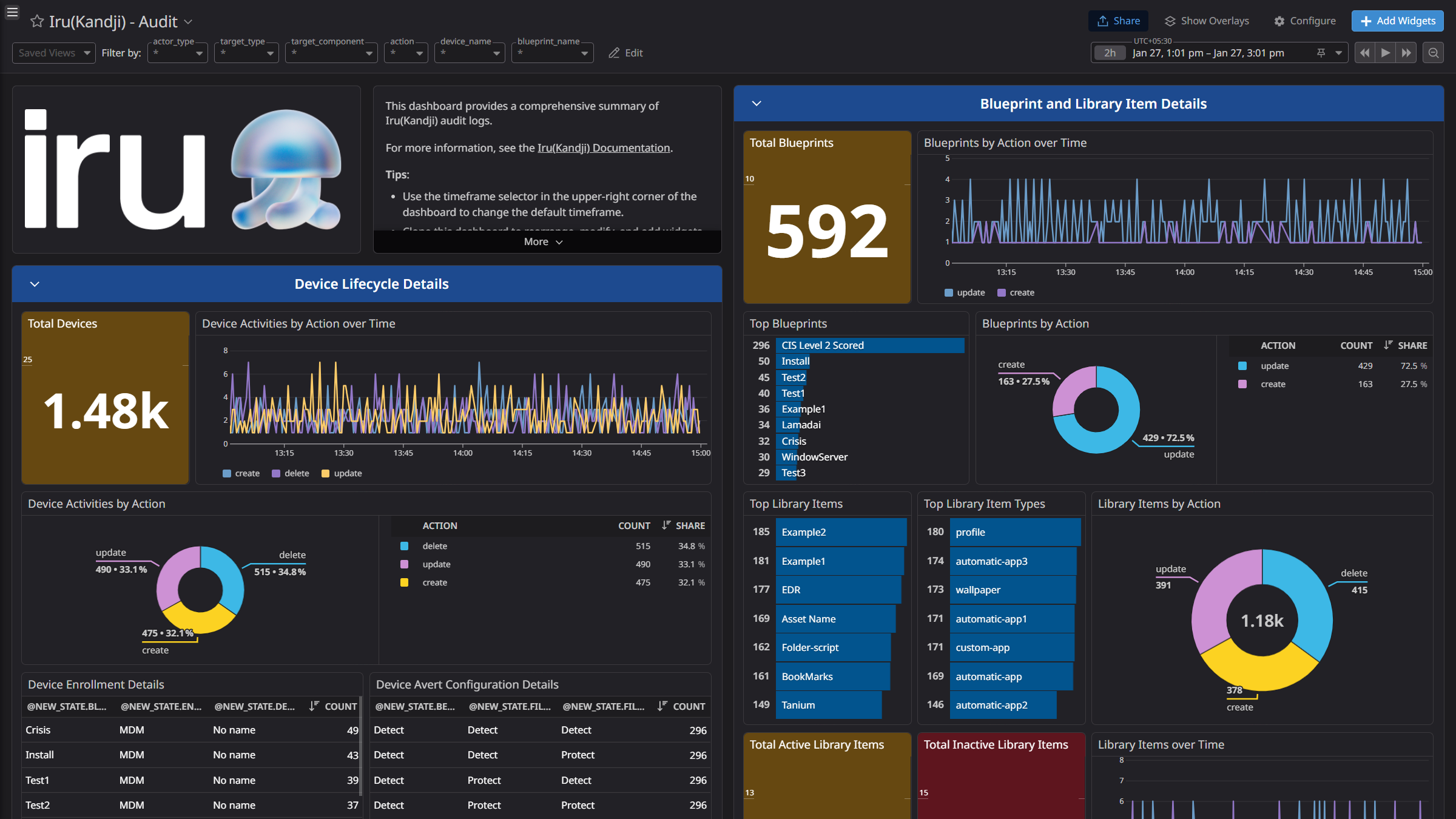
- Audit: Provides information about security events, device lifecycle changes, and admin/user actions.
- Threats: Provides information about detected threats, including classification, status, affected devices, associated files, processes, and blueprints.
- Detections: Lists detected findings, their severity, affected devices and applications, and associated blueprints.
Integrate Iru (Kandji) with Datadog to gain insights into audit, and threats and detections logs using pre-built dashboard visualizations. Datadog uses its built-in log pipelines to parse and enrich these logs, facilitating search and detailed insights. Additionally, the integration can be used for Cloud SIEM detection rules for enhanced monitoring and security.
Setup
- Log in to Iru (Kandji) platform using Admin or Owner account and click on Settings.
- Click the Access tab.
- Scroll down to the API Token section and click the Add Token button.
- Enter Name and Description for your API token.
- Click Create.
- Copy the Token, then check the box confirming: I have copied the token and understand that I will not be able to see these details again.
- Click Next.
- Click Configure to manage the API permissions for a specific token.
- Select List Audit Events and Detections List.
- Click Save.
- Under API Token section, locate your domain. For example, your organizations API Domain will be:
your-subdomain.api.kandji.io.
Connect your Iru (Kandji) account to Datadog
Add your Domain and API Token.
| Parameters | Description |
|---|
| Domain | The Domain of your Iru (Kandji) account. |
| API Token | The API Token of your Iru (Kandji) account. |
| Collect audit and threat logs | Control the collection of audit and threat logs from Iru (Kandji). Enabled by default. |
| Collect detection logs | Control the collection of detection logs from Iru (Kandji). Enabled by default. |
Click the Save button to save your settings.
Data Collected
Logs
Iru (Kandji) collects and forwards audit, threat, and detection logs to Datadog.
Metrics
Iru (Kandji) does not include any metrics.
Events
Iru (Kandji) does not include any events.
Troubleshooting
Need help? Contact Datadog support.